Honeywell - Connected Life Safety Services
Stay Connected
Stay Protected
2 0 1 8 - 2 0 1 9
Honeywell CLSS.
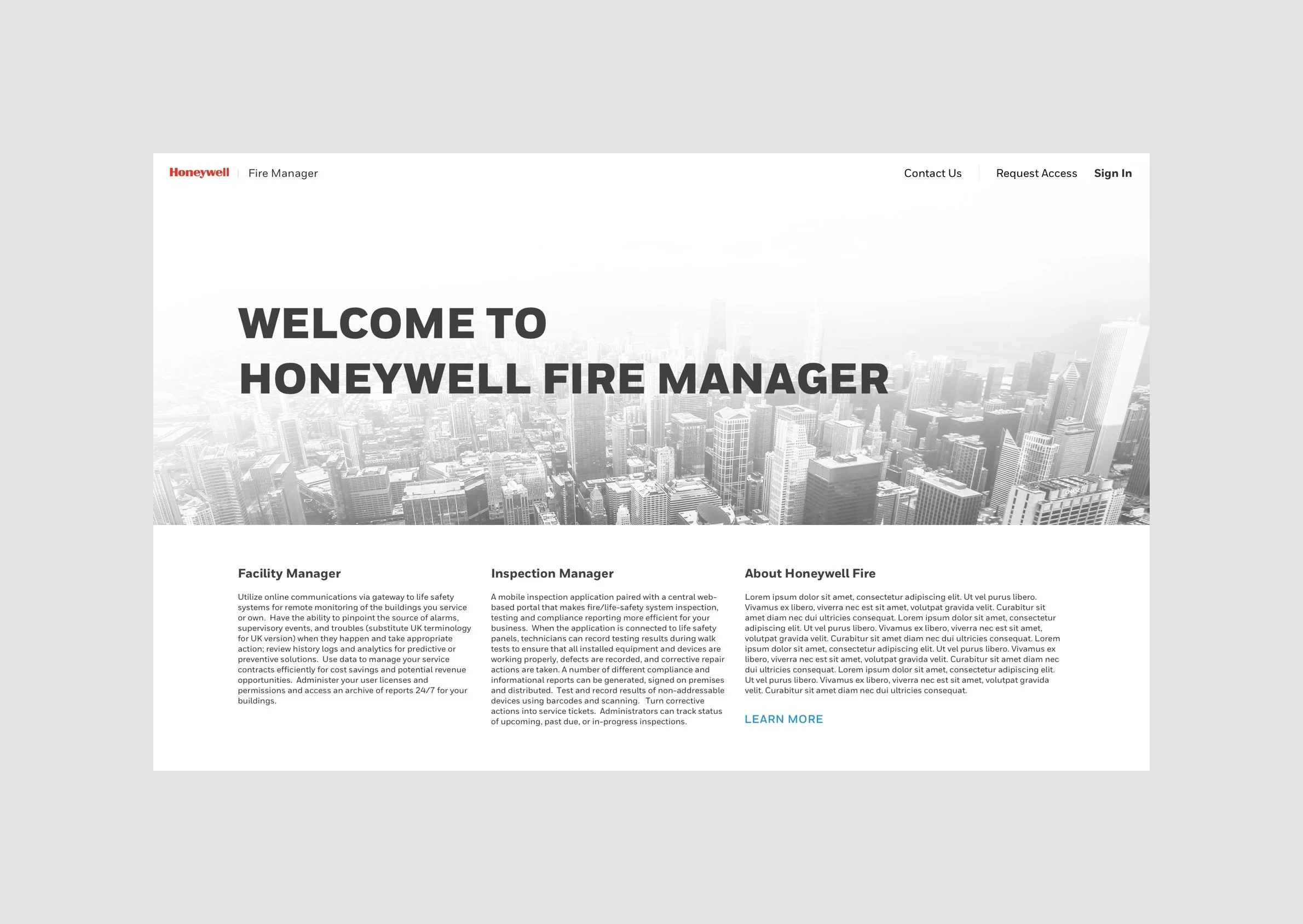
Introducing Honeywell Connected Life Safety Services - the future of fire systems. Honeywell Connected Life Safety Services (CLSS) places connectivity at the heart of fire safety, providing real-time visibility to enhance timely, accurate decision-making. Watch our video to find out how CLSS delivers efficiencies at every stage of a fire system’s lifecycle.

CLSS is an innovative, all-in-one cloud platform that enables systems integrators and facilities managers to deliver an enhanced fire safety service, while maximising the performance efficiencies offered by Honeywell’s trusted detection and alarm systems. By harnessing the power of data it delivers the connectivity and intelligence needed for secure, compliant and more efficient fire system management.
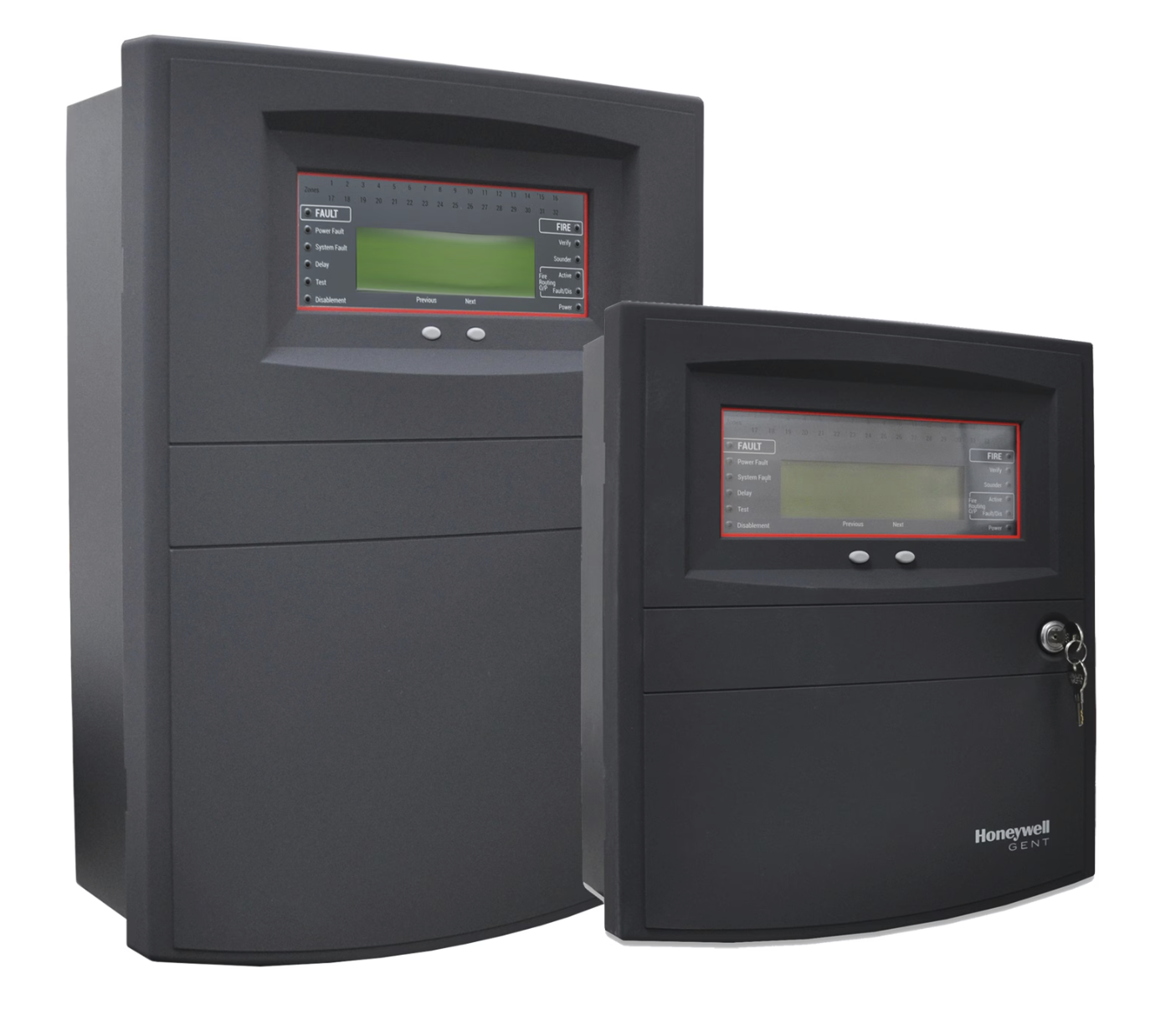
Honeywell - Gent
This product was to facilitate Honeywell’s conventional fire safety. The approach was to convert the entire ecosystem into cloud based solution and get information of the fire safety devices to the ecosystem of devices using cloud. It was the time based and competitive needs for Honeywell to enter into cloud based solutions.
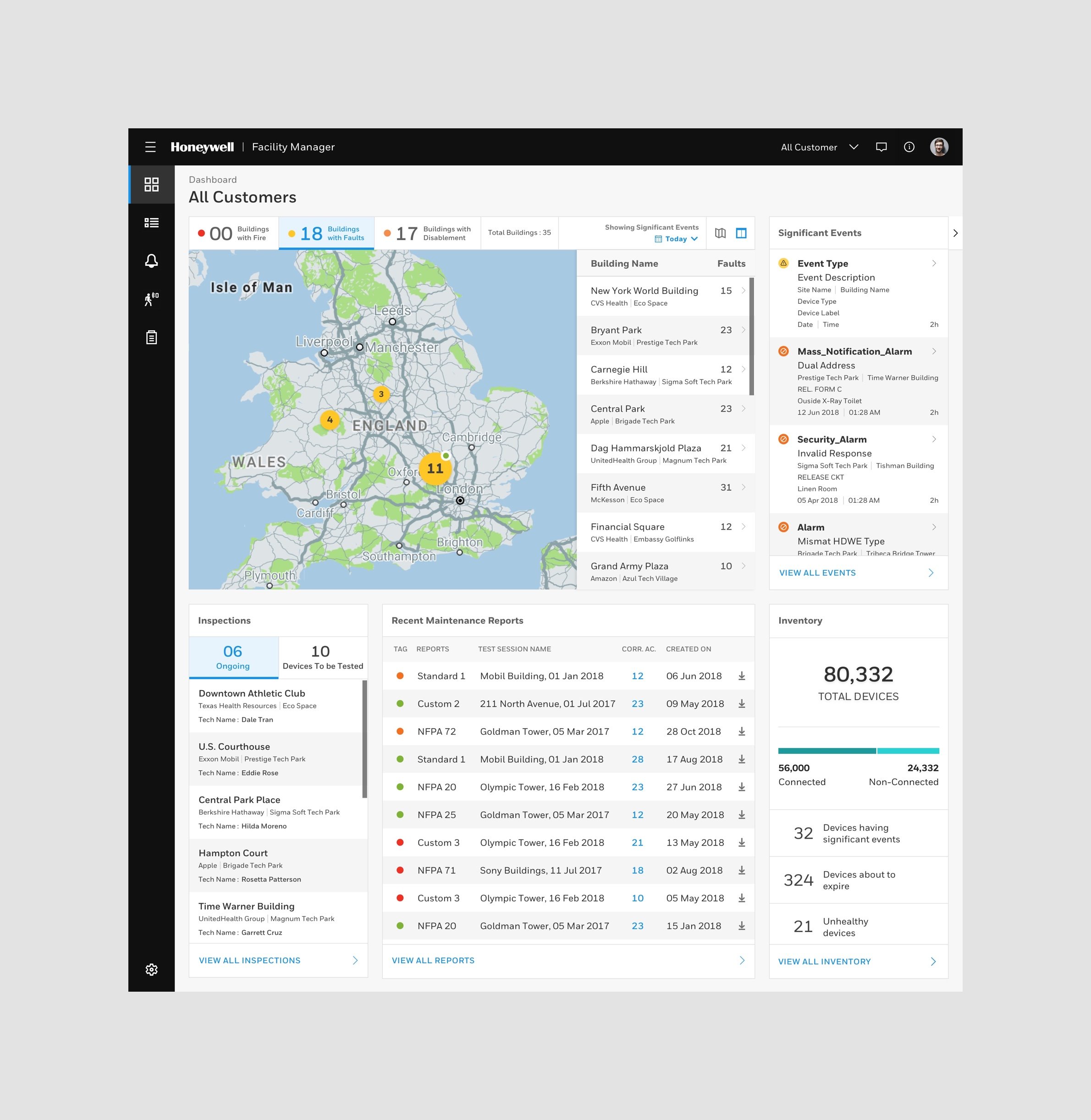
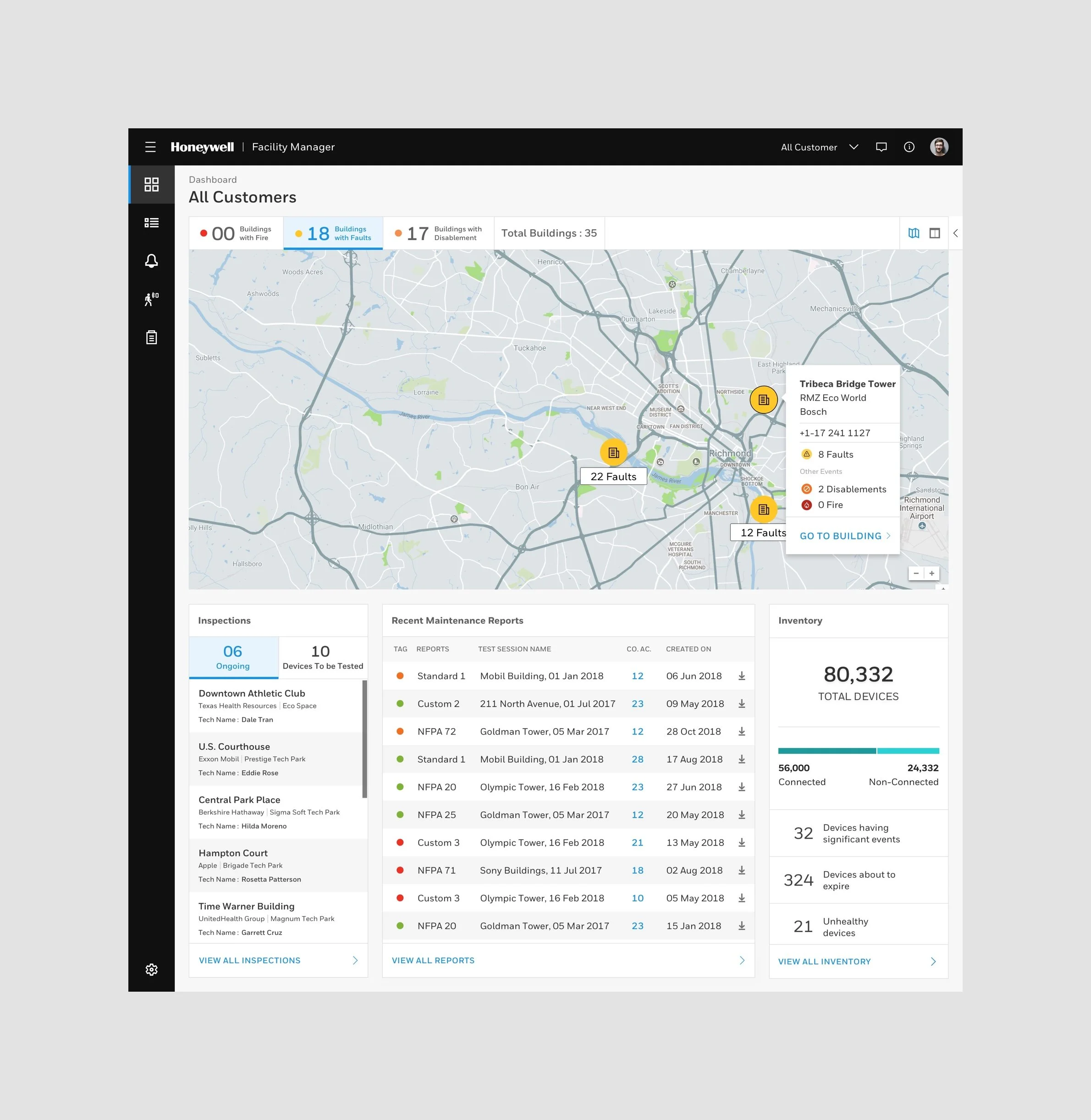
Simplified view for Events, Inspection, Reports and Inventory and Alert system.
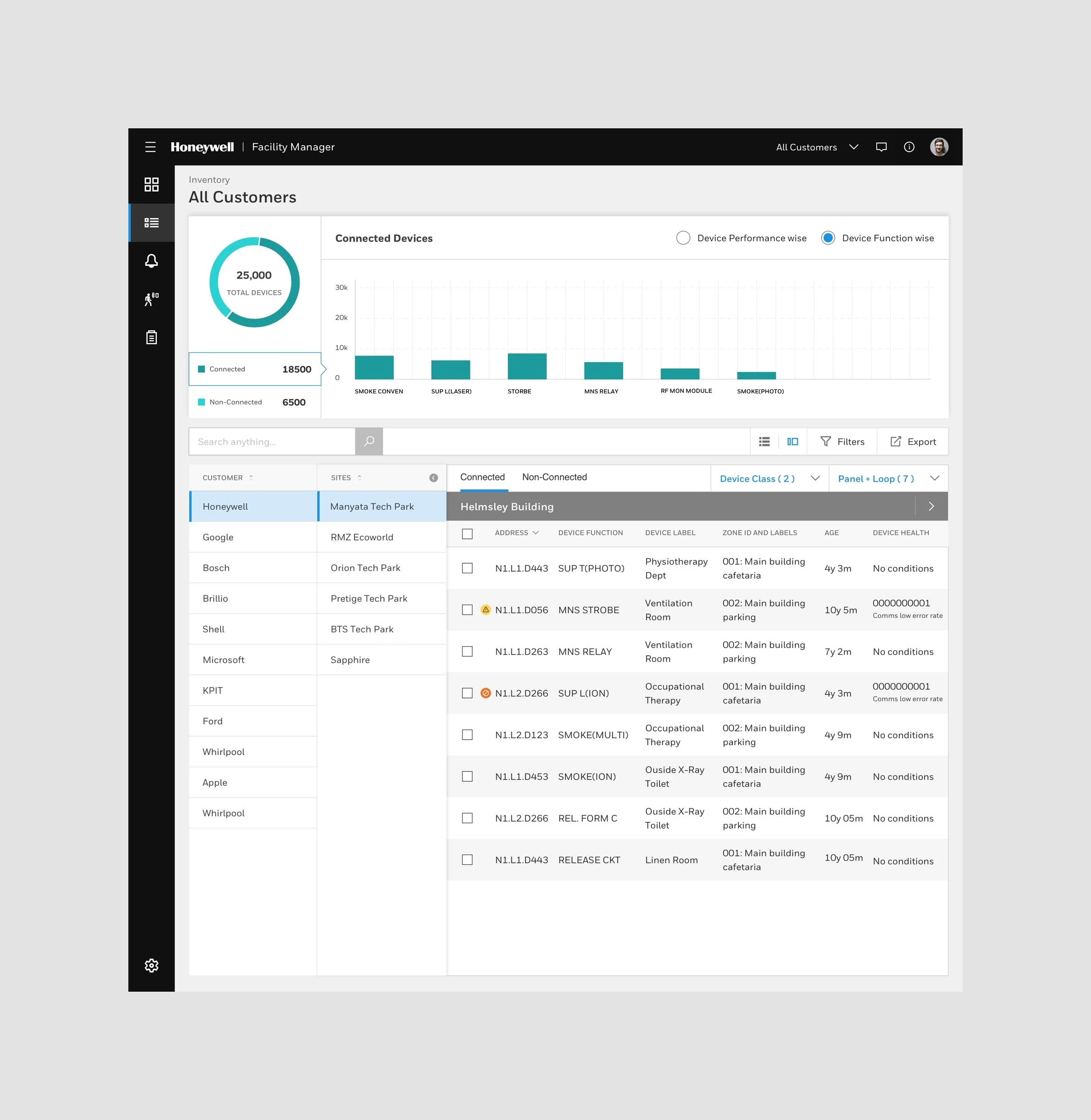
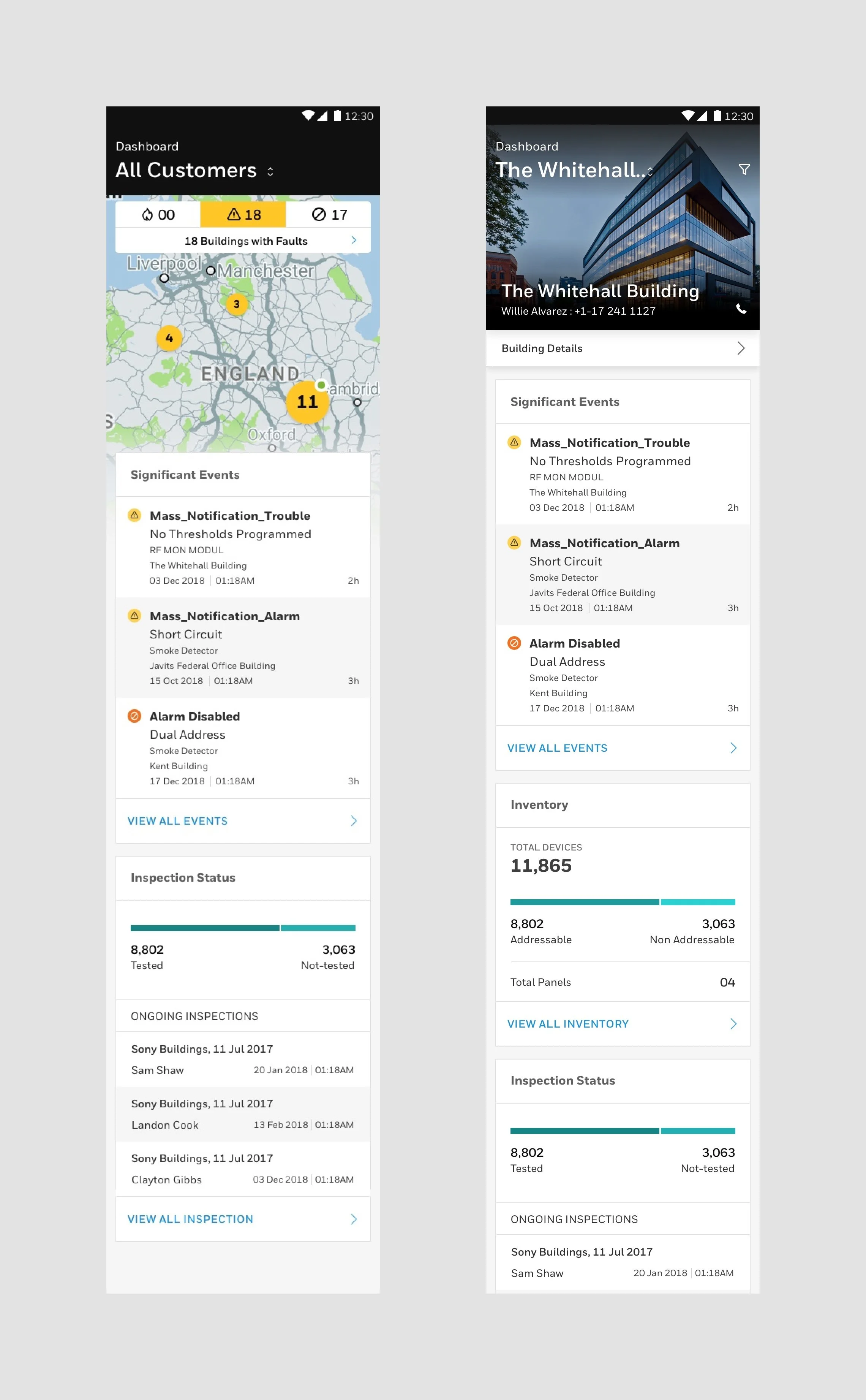
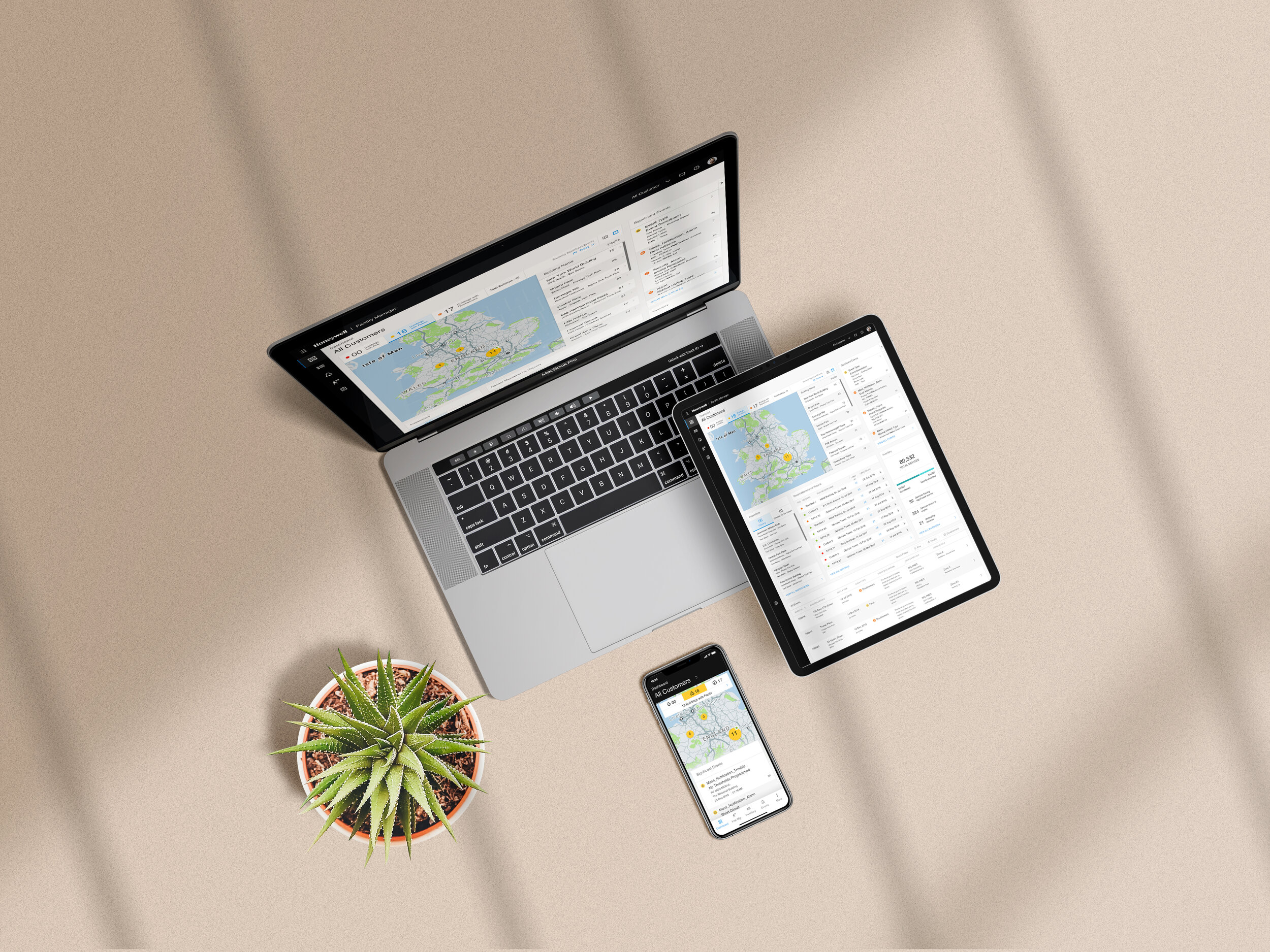
Dashboard of Fire System Manager consolidates all information coming from multiple touch points whether it about the inventory or any event reported by any fire safety device commissioned at the site. The dashboard view is customised for Fire Safety Engineering Service Providers. At a time they operate for multiple sites and customers. To manage them all together they needed to have a holistic view of all customers and theirs sites located to different locations like within a city, State or through the country.
CLSS is not just an single point application. It is an end to end solution offering solution by Honeywell.
Setting the context
Design & Quote
Import CAD / BIM files to get suggested design options for the Fire system. Get approximate cost and time estimations and submit an accurate bid package.
Automated generation of bill of materials (BOM), and seamless ordering + shipping process with Honeywell.
Use output from design tool for project documentation.
Early, real-time diagnostics to ensure fault free installation
Walk around the site, use mobile config app to verify design vs actual install, add device labels and basic configuration.
Use C&E simulation to easily verify if the programming is correct and complete without having to go on site.
Install & commission
Monitor & Maintain
Mobile access to real time system status and health.
Consolidated customer dashboard for ESD, enabling proactive and preventive maintenance.
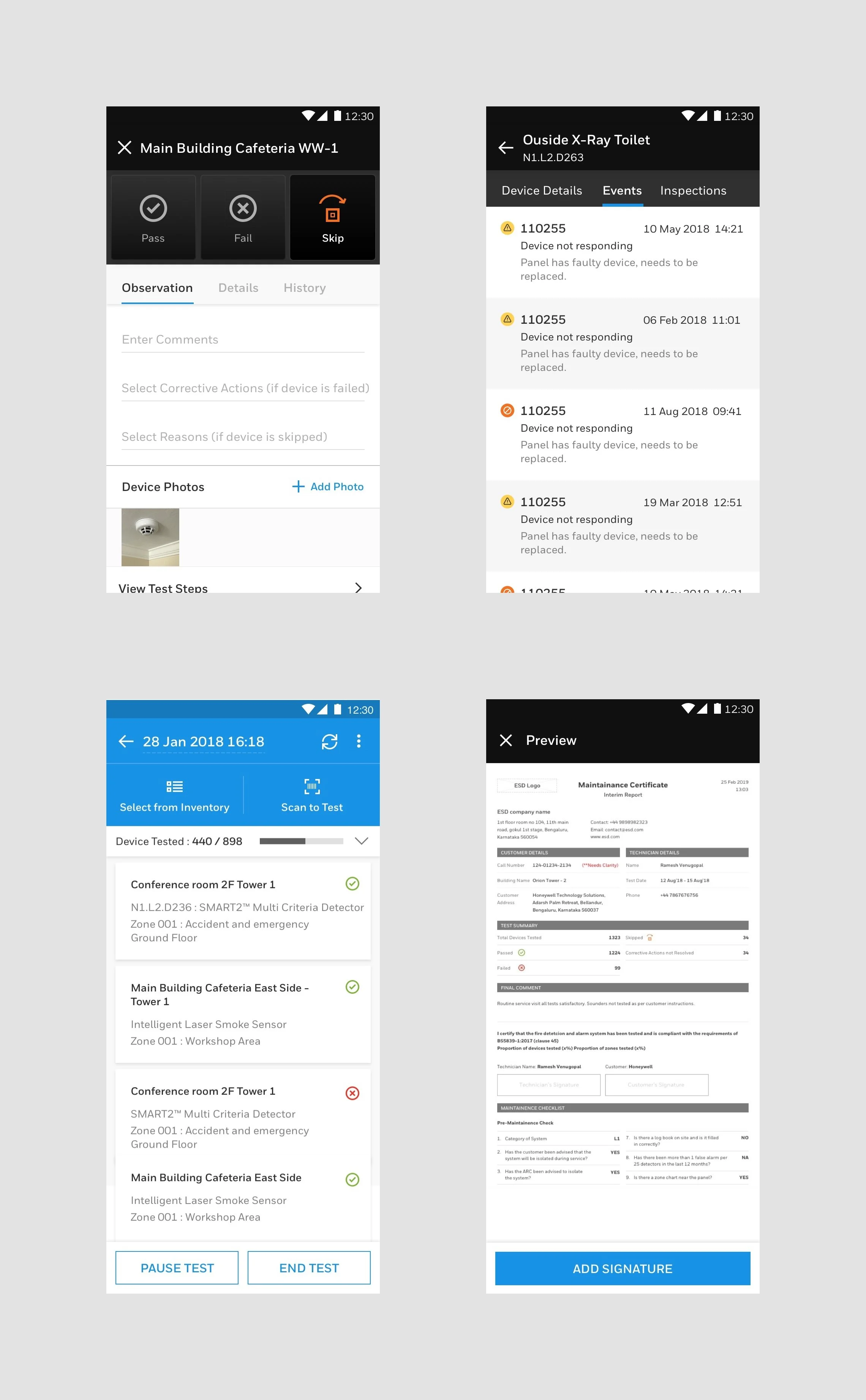
Efficient inspection management and automated reports.
Enter system of CLSS was designed with end to end solution for their customers with a unified experience. CLSS is divided into 3 parts as per the functionalities and different stages of the fire safety system as defined above. Mainly it was divided into 3 segments which are -
01. Planning and Design
02. Installation and commissioning
03. Monitoring, Inspection and service.
01. Planning and Design
System Bidder : Accurately and efficiently estimate the BOM for a given fire system design. Allows faster bidding to win more projects.
Web shop : A web app or a component of system builder that automates / feeds the ordering process.
02. Installation and Commissioning
Fault finder : A dedicated hardware tool and app to diagnose and locate faults on the loop after installation, even before the panel is mounted and installed. Resolve issues earlier and makes the dealer able to bid aggressively dut to higher confidence.
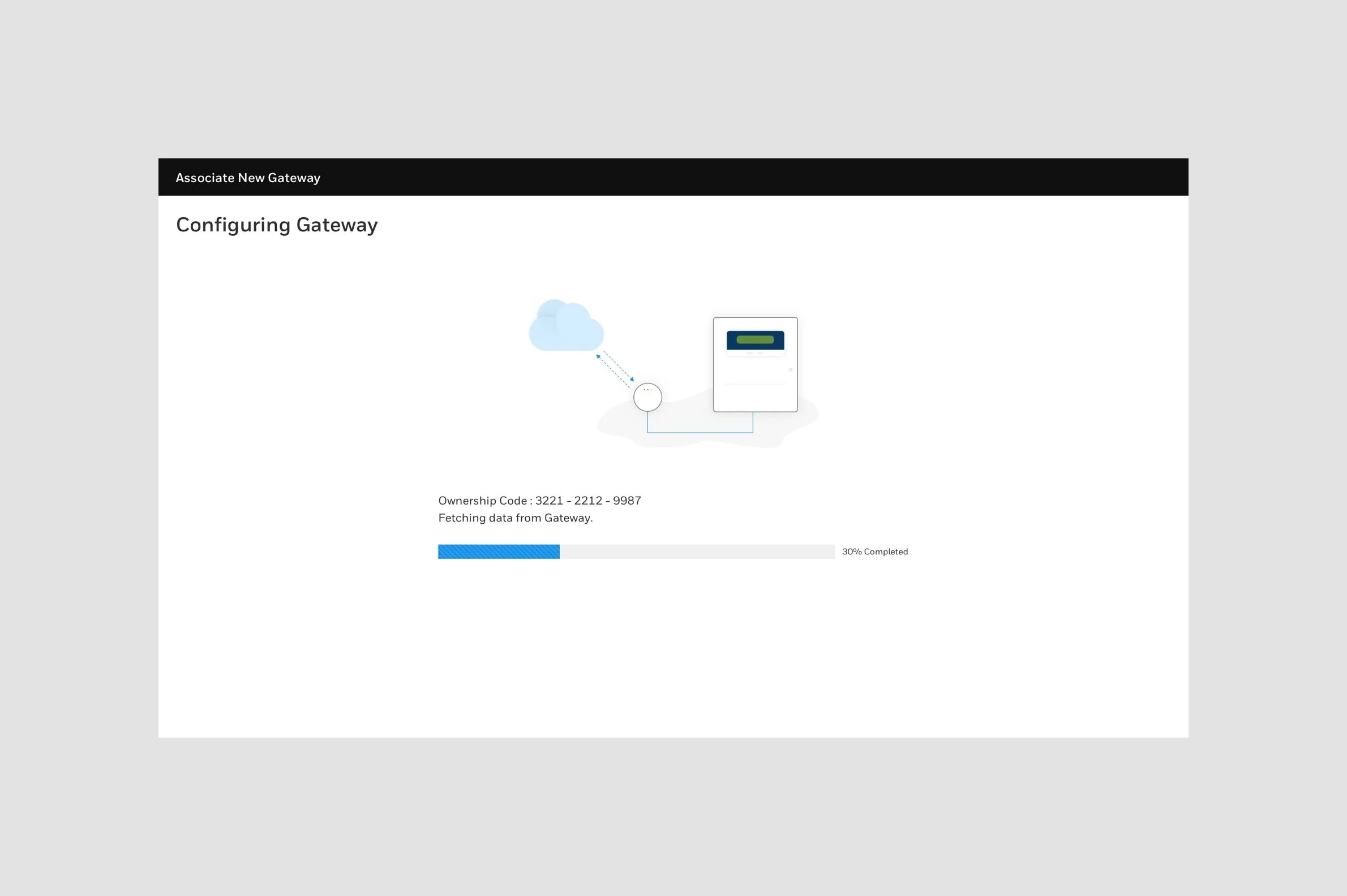
Config lite : A mobile app which connects wirelessly to a fire system and enables only one engineer to walk around the site and test system integrity and make configuration changes.
Config pro : Next generation desktop based tool for diagnosis, configuration, programming and simulation of a fire system.
03. Monitoring, Inspection and Service
Inspection manger : A mobile app which connects wirelessly to a fire system and enables only one engineer to walk around the site and inspect devices and generate fully compliant regional regulatory reports.
Workstation : A desktop application to monitor the status of a fire system and notify users of emergencies.
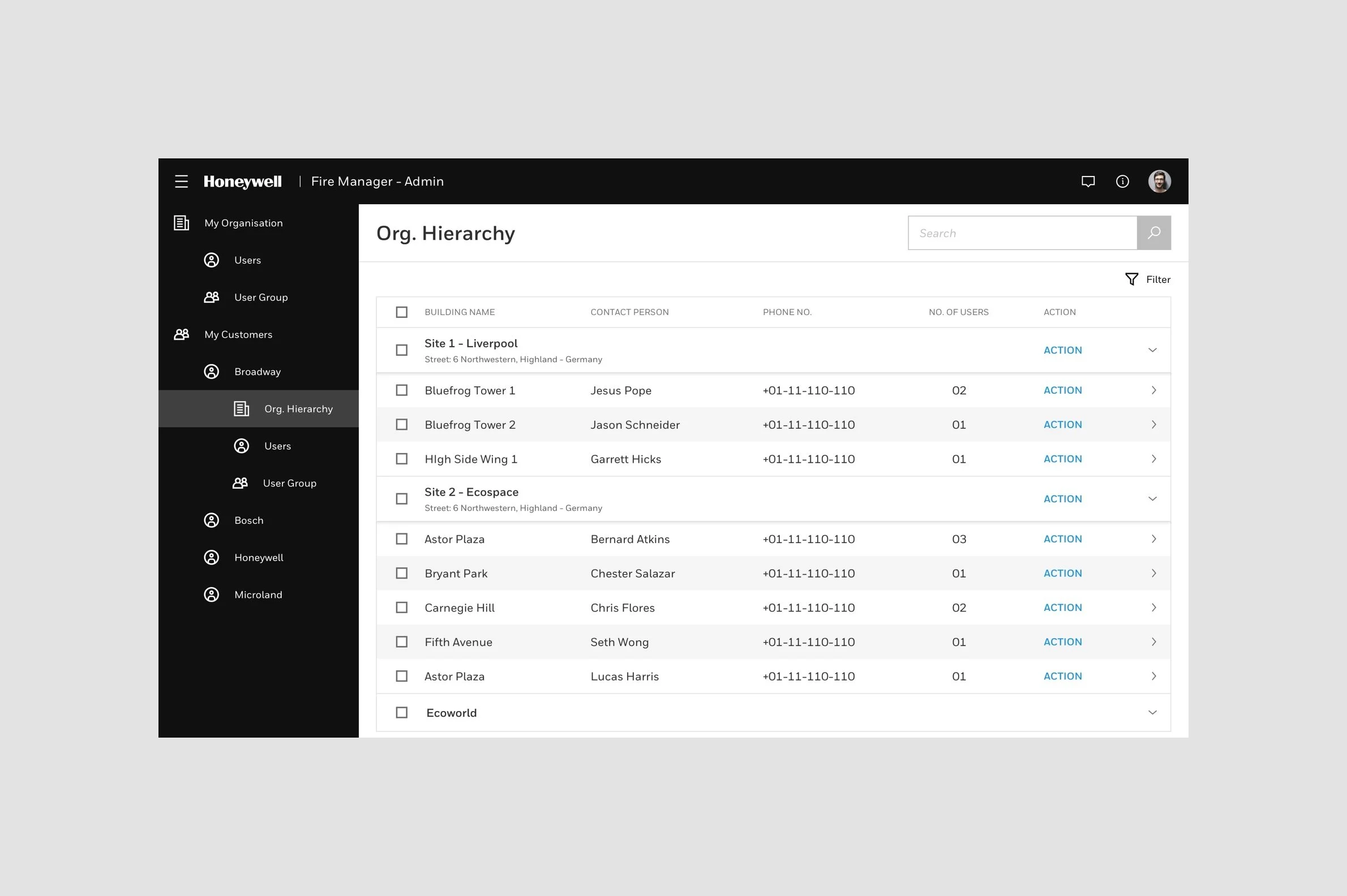
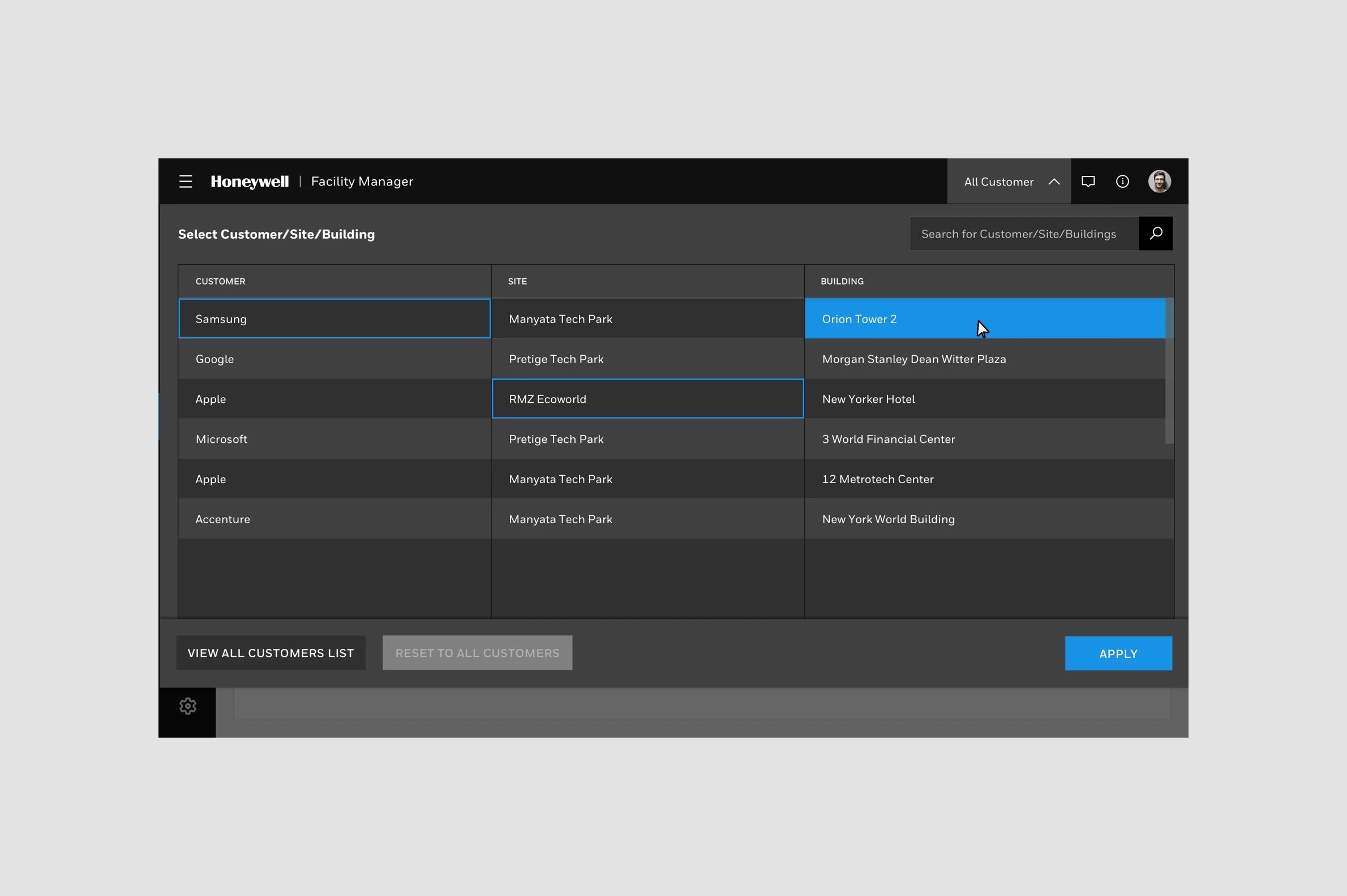
Facility Manager - ESD : A web portal for ESDs to remotely connect to their sites to check status, verify user requests and performs pro-active maintenance. Increasing ESDs’ and technicians productivity by connecting with accounting software.
Facility Manager - User : A web portal / app for end users to track the health of their fire systems and monitor maintenance activities.
Stakeholder mapping
To understand the context and the work workflow we did mapping of different stakeholders involved into various stages of the entire process. Starting from placing the bid till submitting report.
We also wanted how many levels of different supervisory bodies are involved into decision making and at different level what all decision they can make. We also wanted to understand What are the regulatory compliancies and what are their implications? To understand the level of involvement into different stages it was important for us to do the stakeholder mapping.
User research & Persona
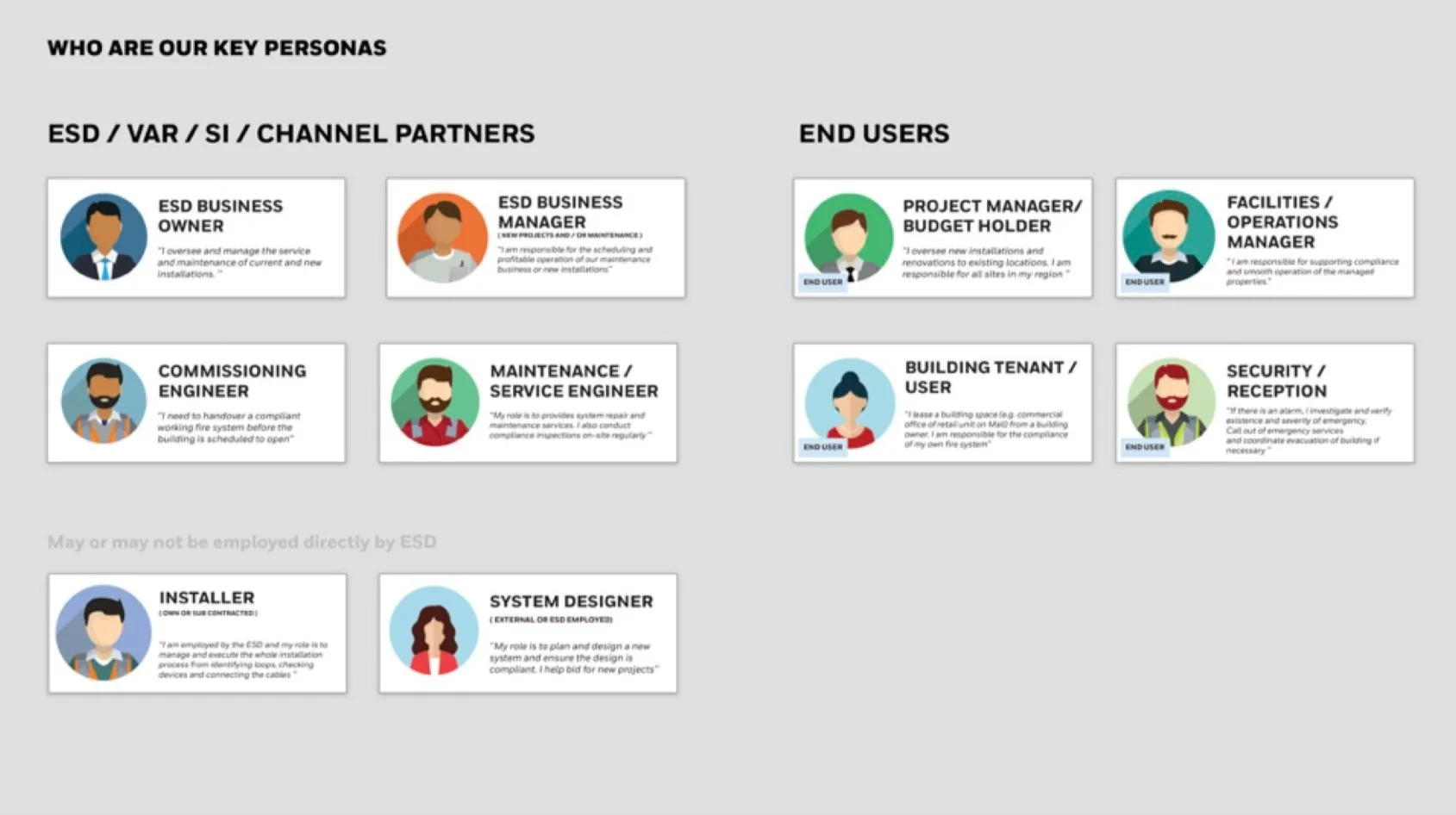
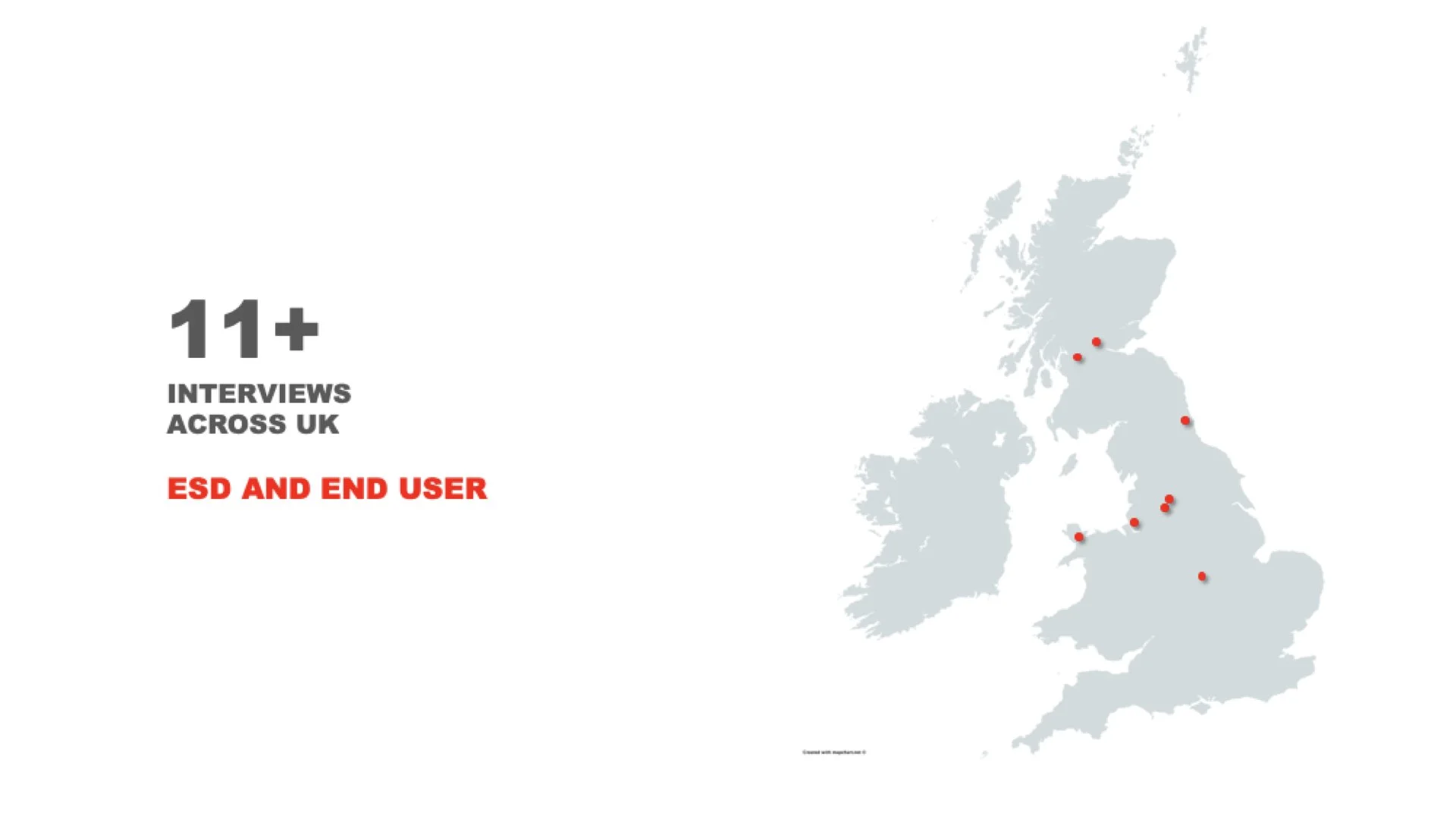
We conducted 11+ interviews with Engineering Service Distributors and End users in the span of 2 months across UK and US. We identified few key personas and prepared sets of questionnaires. Few interviews conducted at client locations and few were remote. Below are our key personas which we created and accordingly we framed our questions and activities.
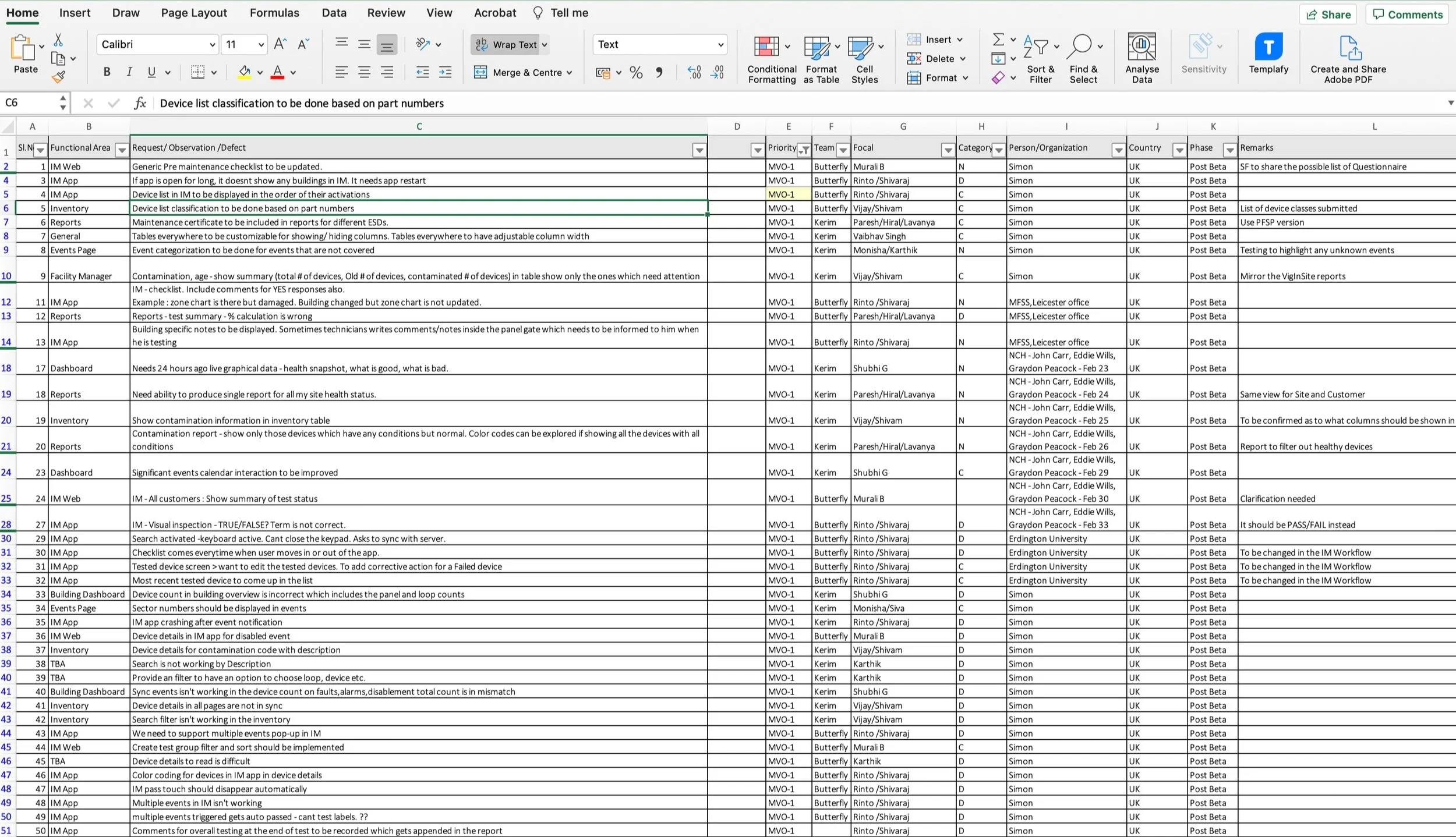
User insights and the feedbacks we received based on the questions we prepared and also we used eVance Honeywell old legacy product which is already being used in the market. We asked feedbacks and feature requests on that as well to understand actual need of the customer. eVance is very old portal used by Honeywell which only generates the reports based on the inputs seeded into it. On a very high level sharing few of the top priority feedback and insights below.
User insights and feedbacks
Key insights
Need to have a communicator connected to the system. It will provide verification of fire and rescue team will know all the necessary teams to be prepared for.
Need to be able to filter devices by health, warranty, replacement age in the test plan. To ensure costs contained and max revenue.
Need ability to access the health status of the entire install base and proactively offer service
Need ability to capture correct revenue for unplanned services before visiting the site.
New devices need to be flagged up for inclusion in a test plan
Would like to use the system for verification of on-demand visits to verify the issue has been investigated and closed down. Individual reports are issued for each on-demand call
Need to be able to clear down panel from inspection app.
Currently engineer needs to walk back to panel after every 10 devices
Need ability to prove job performance to end users ; provide transparency to increase credibility
Requirement Mapping
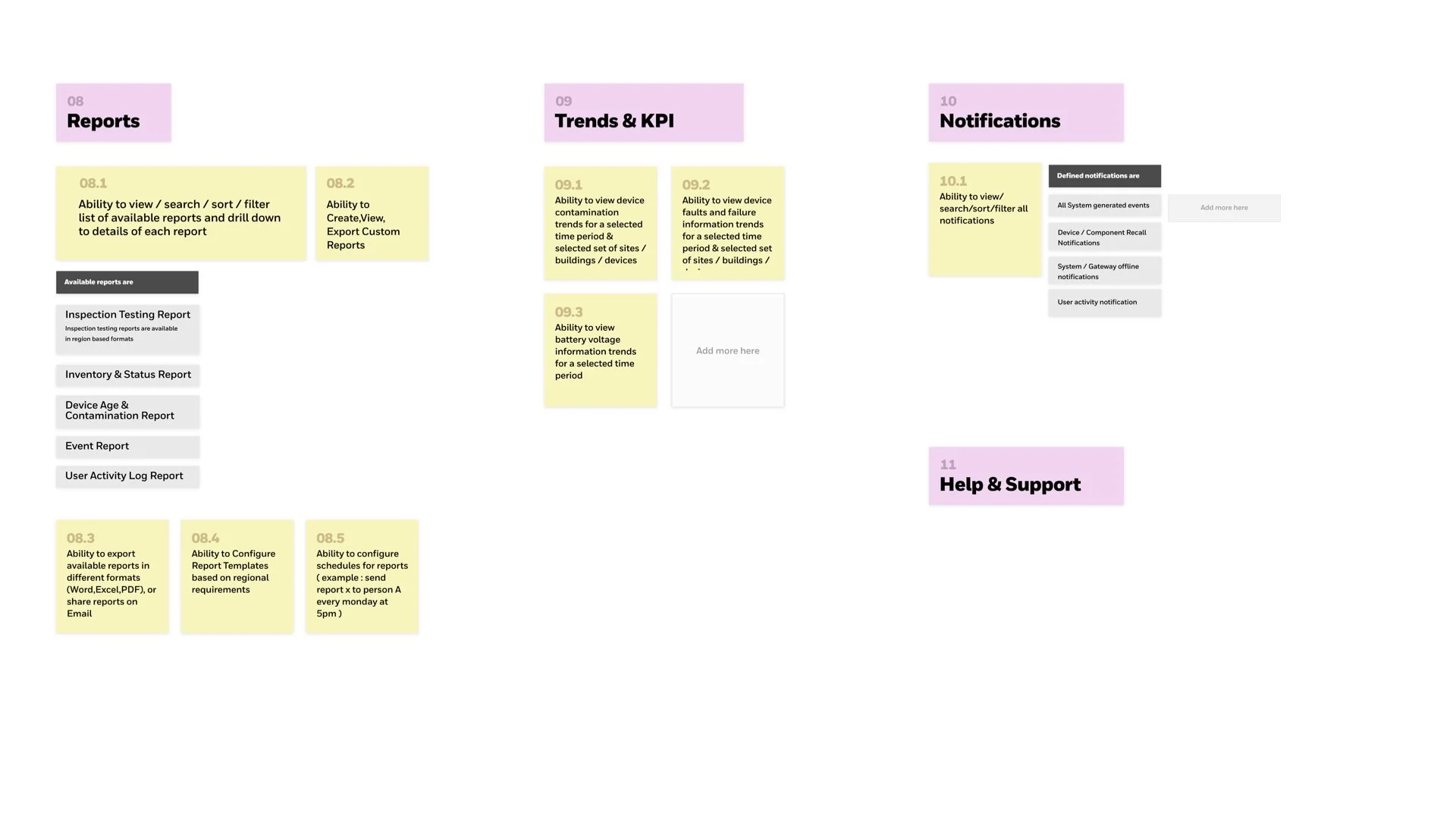
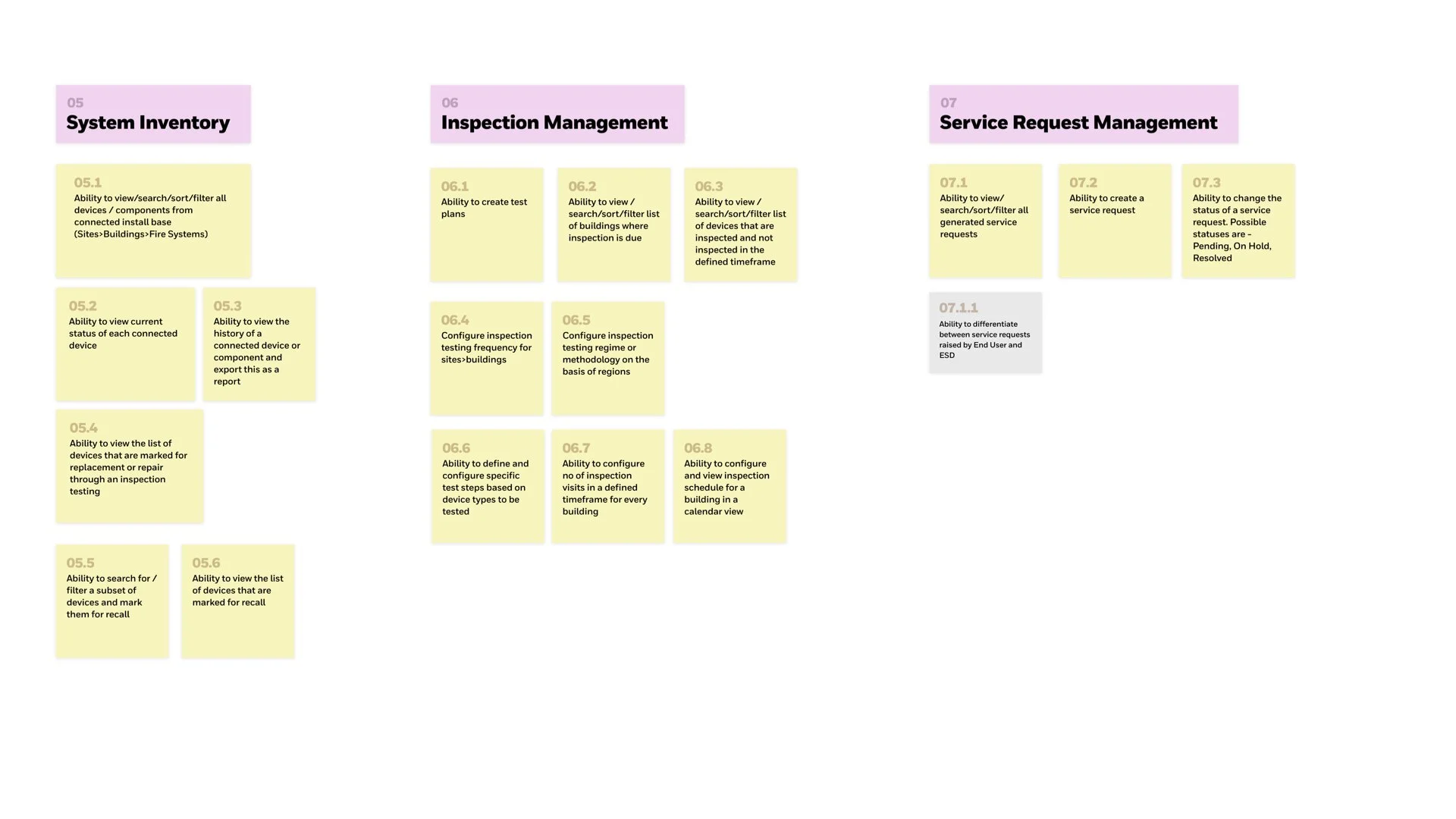
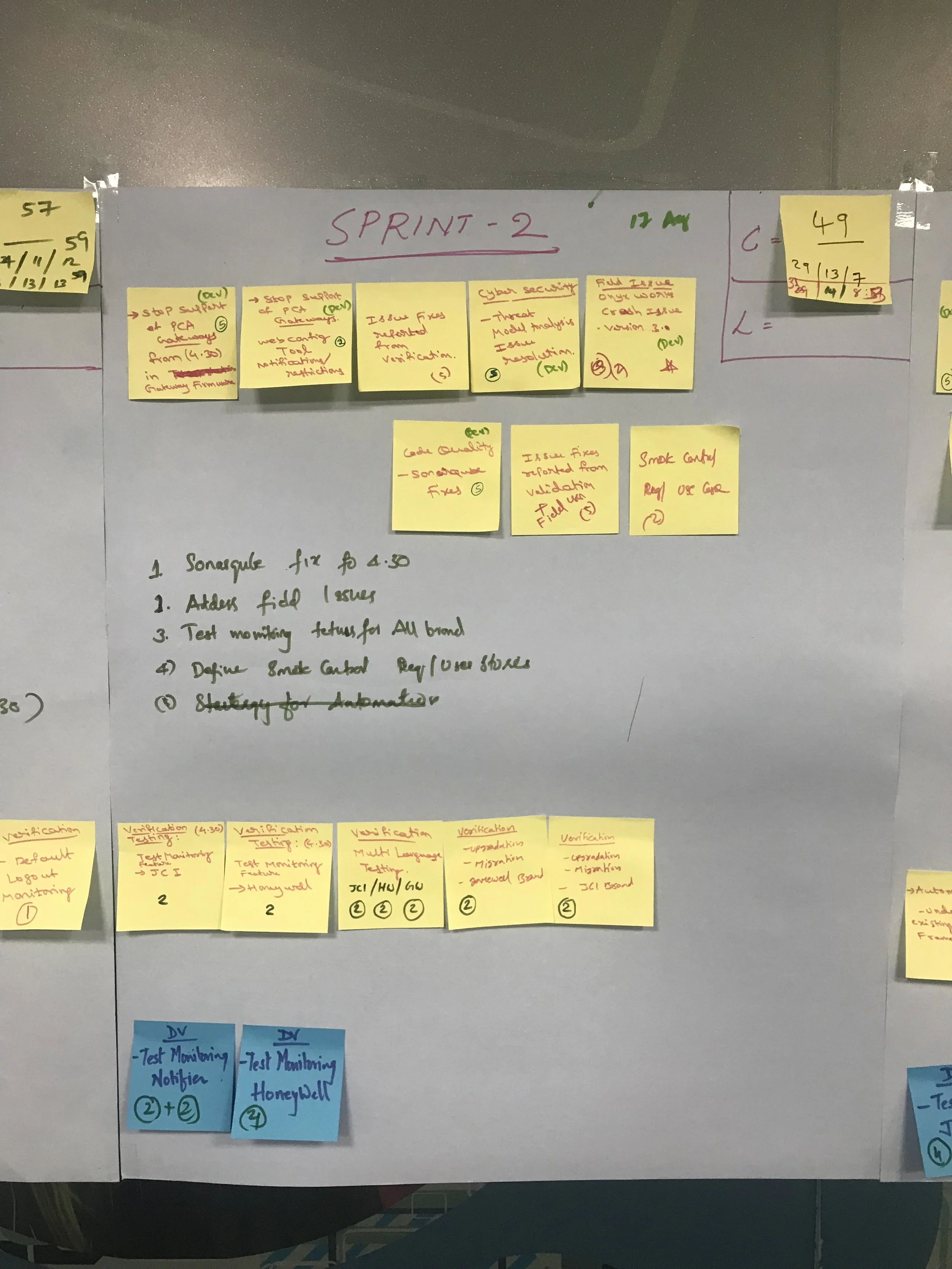
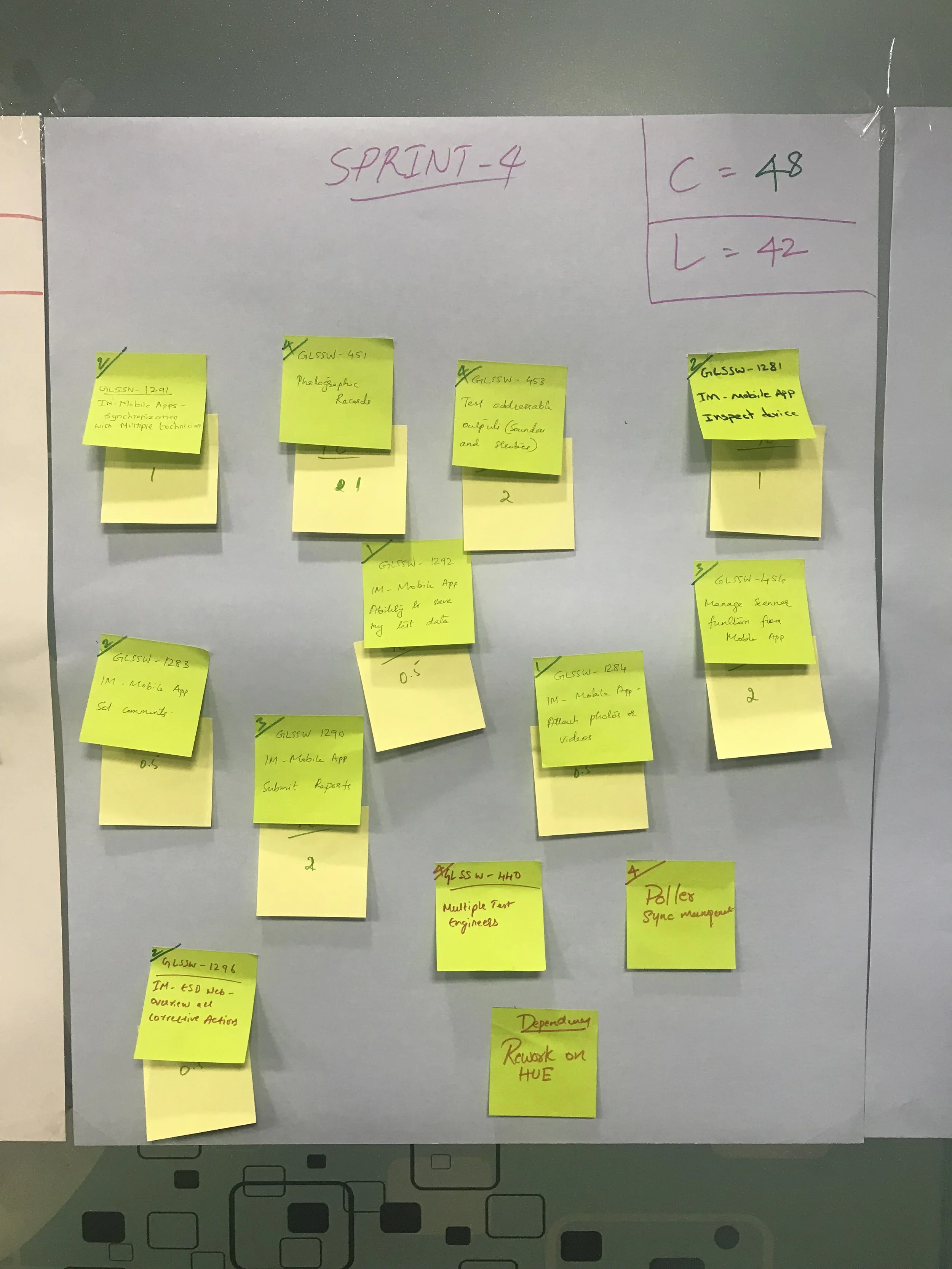
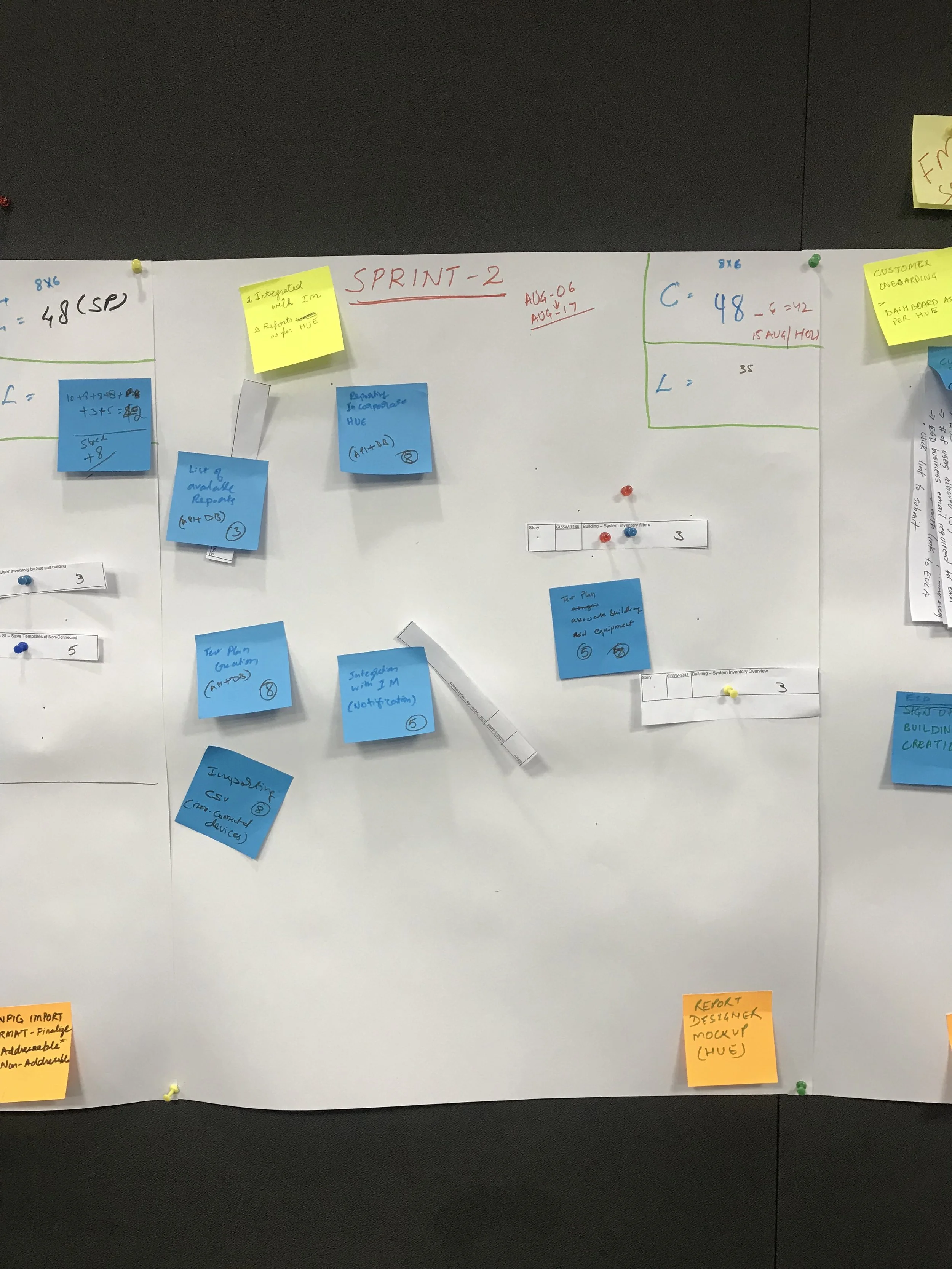
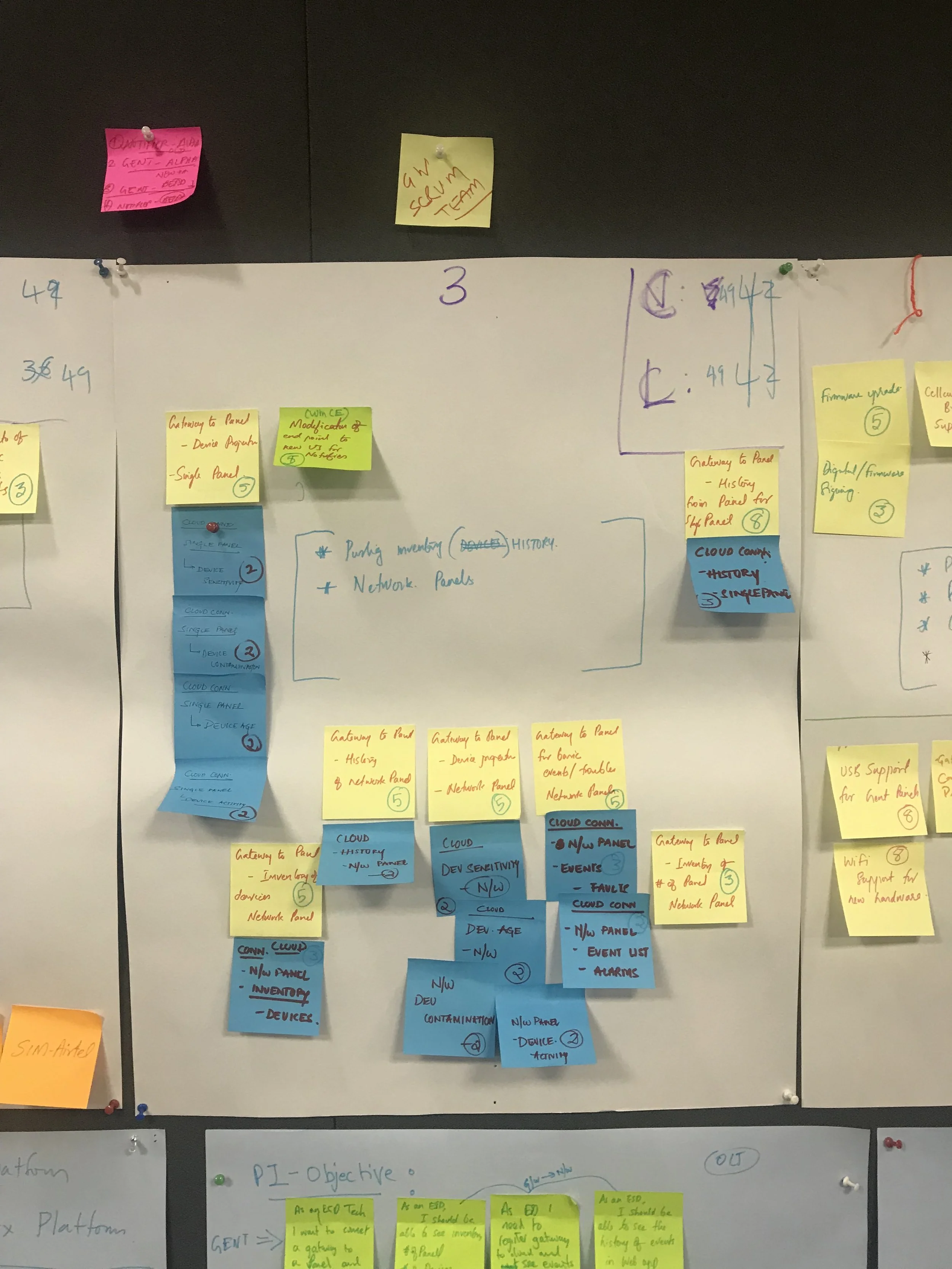
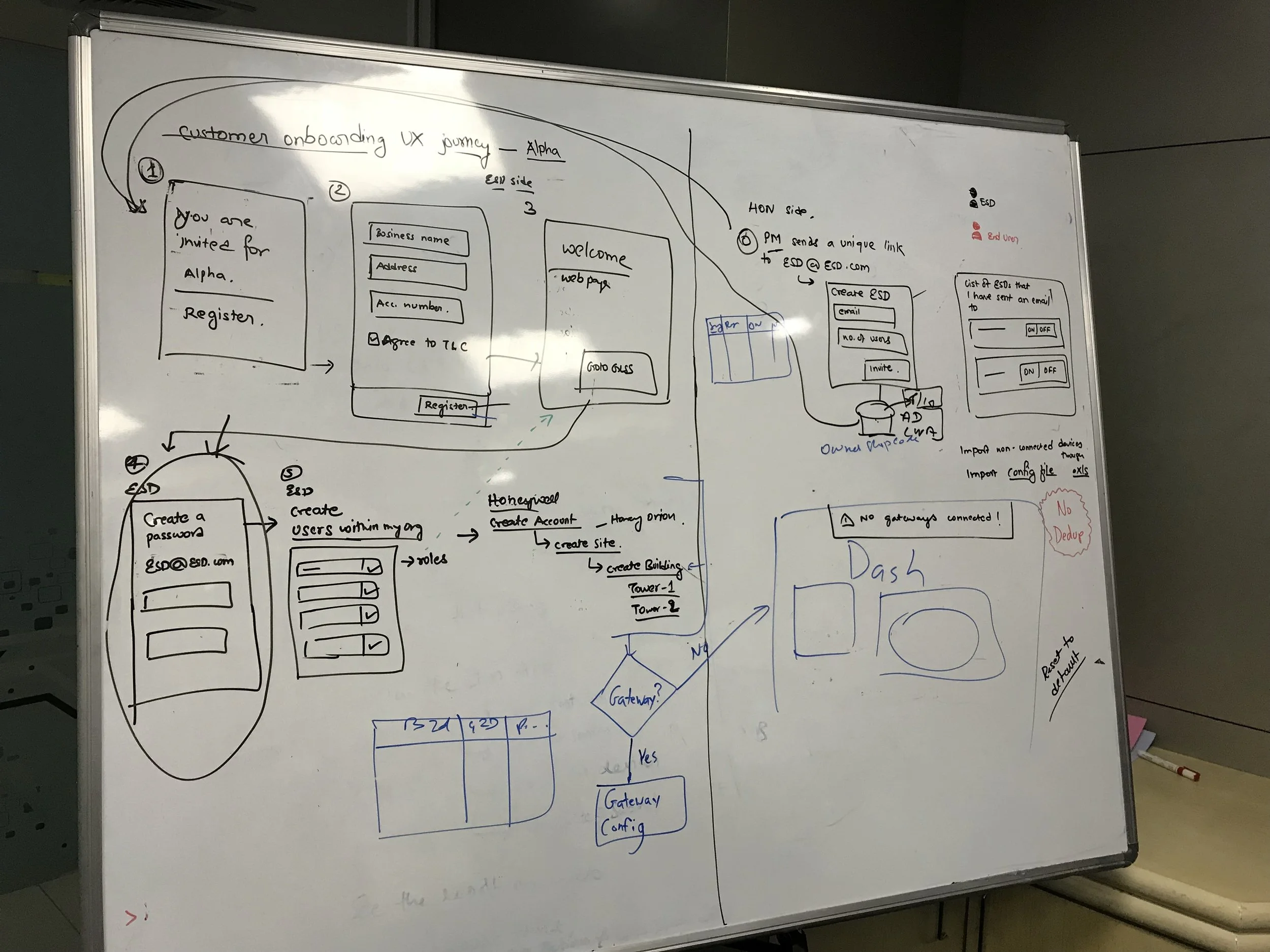
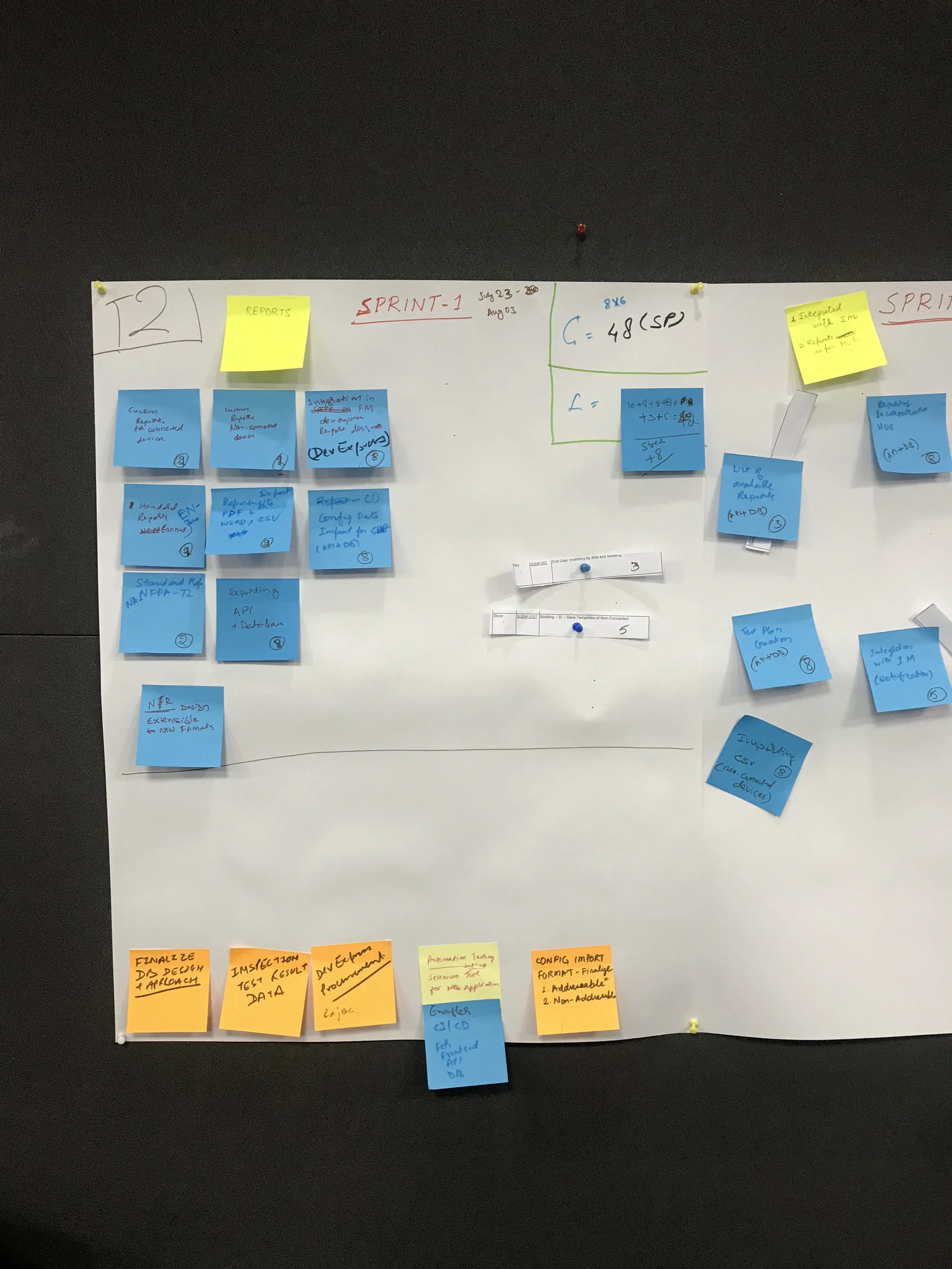
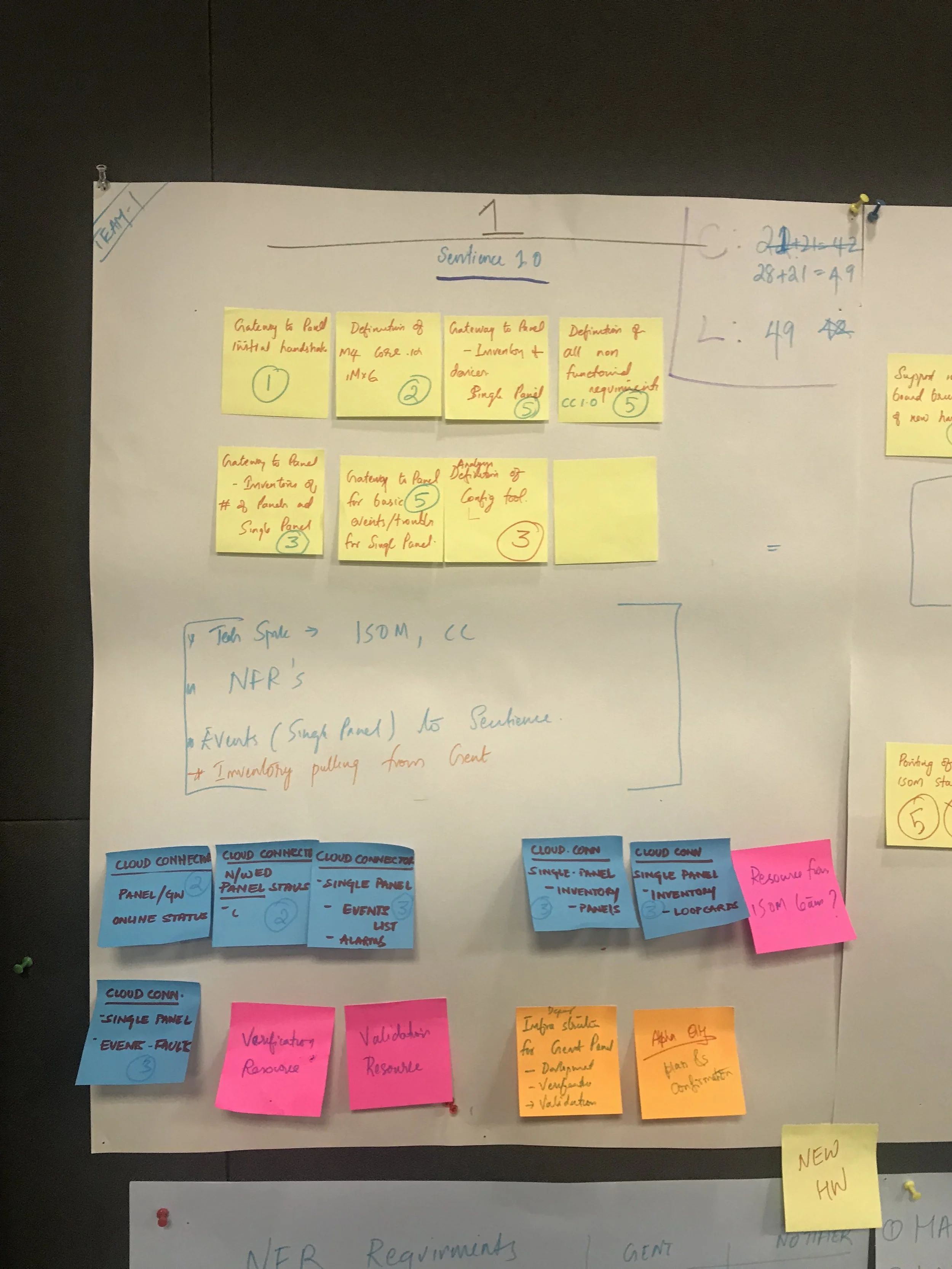
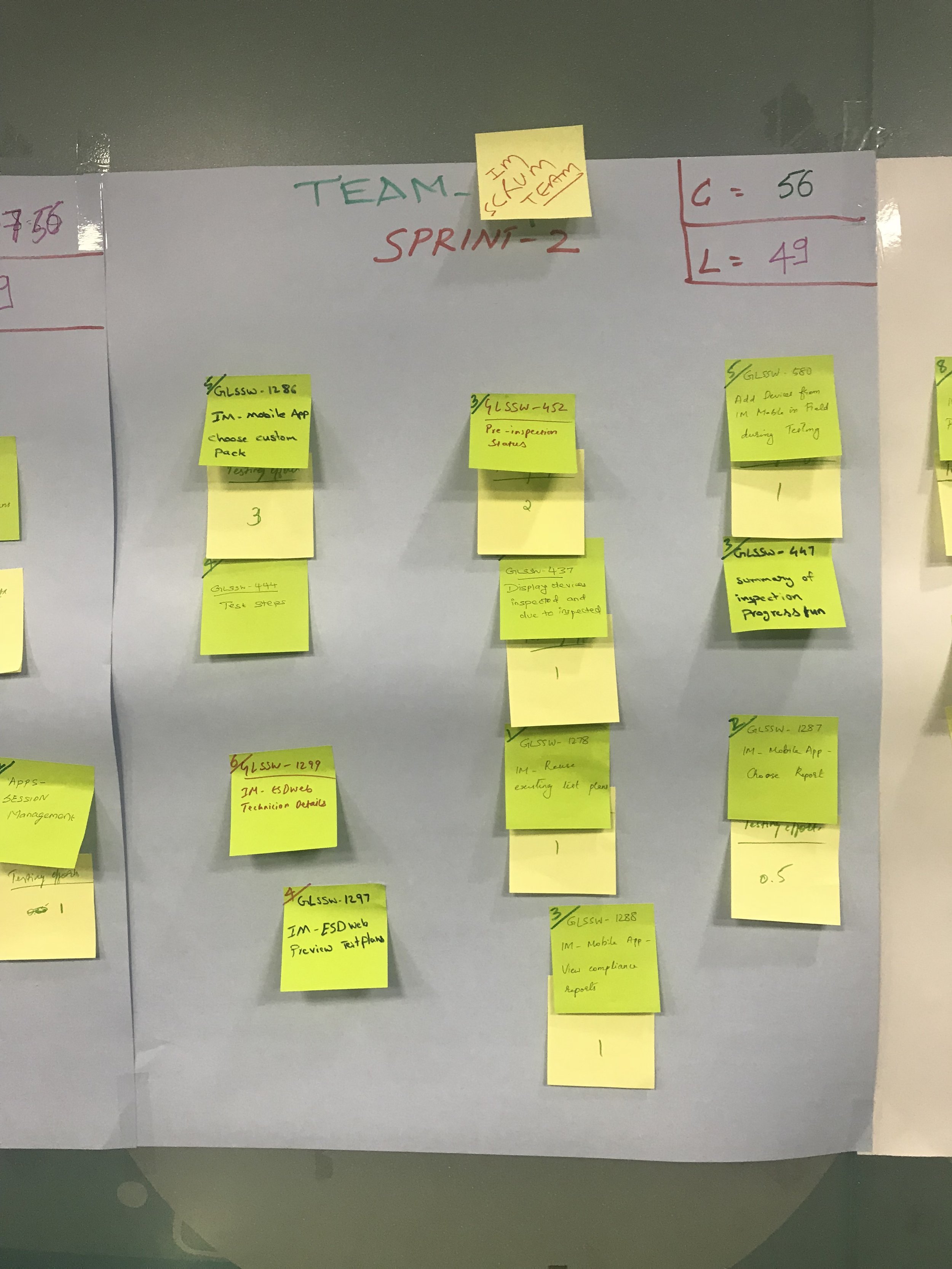
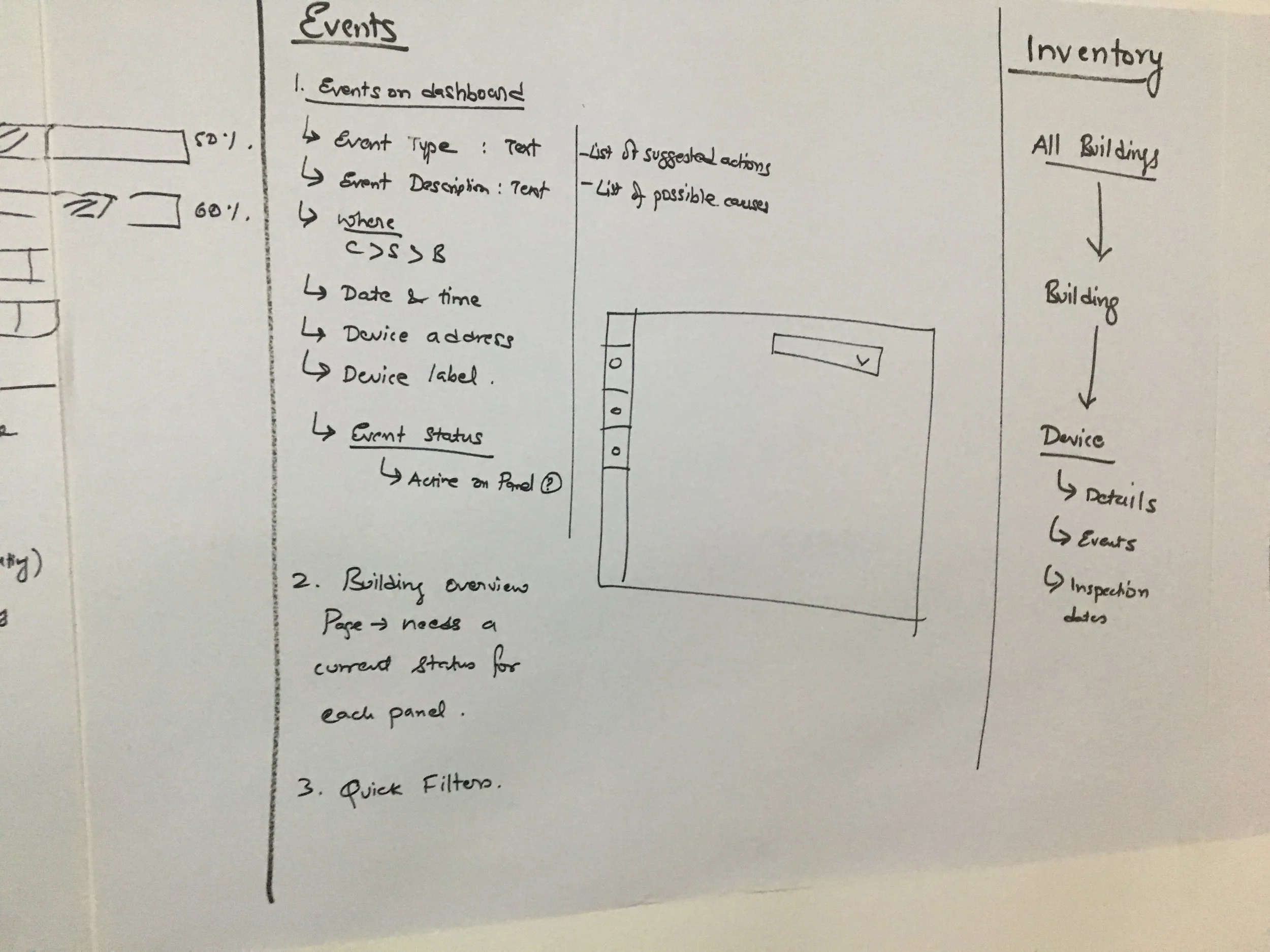
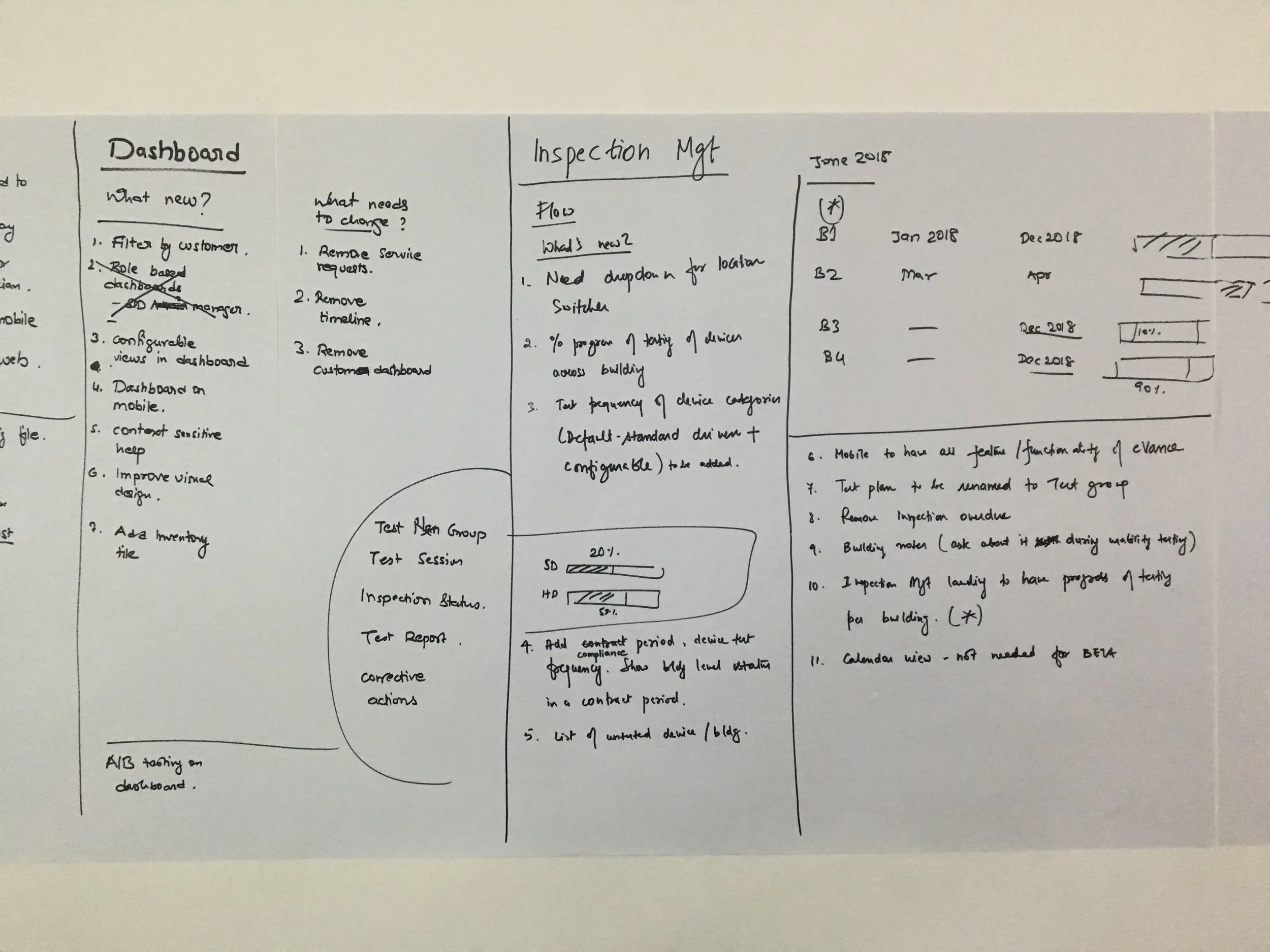
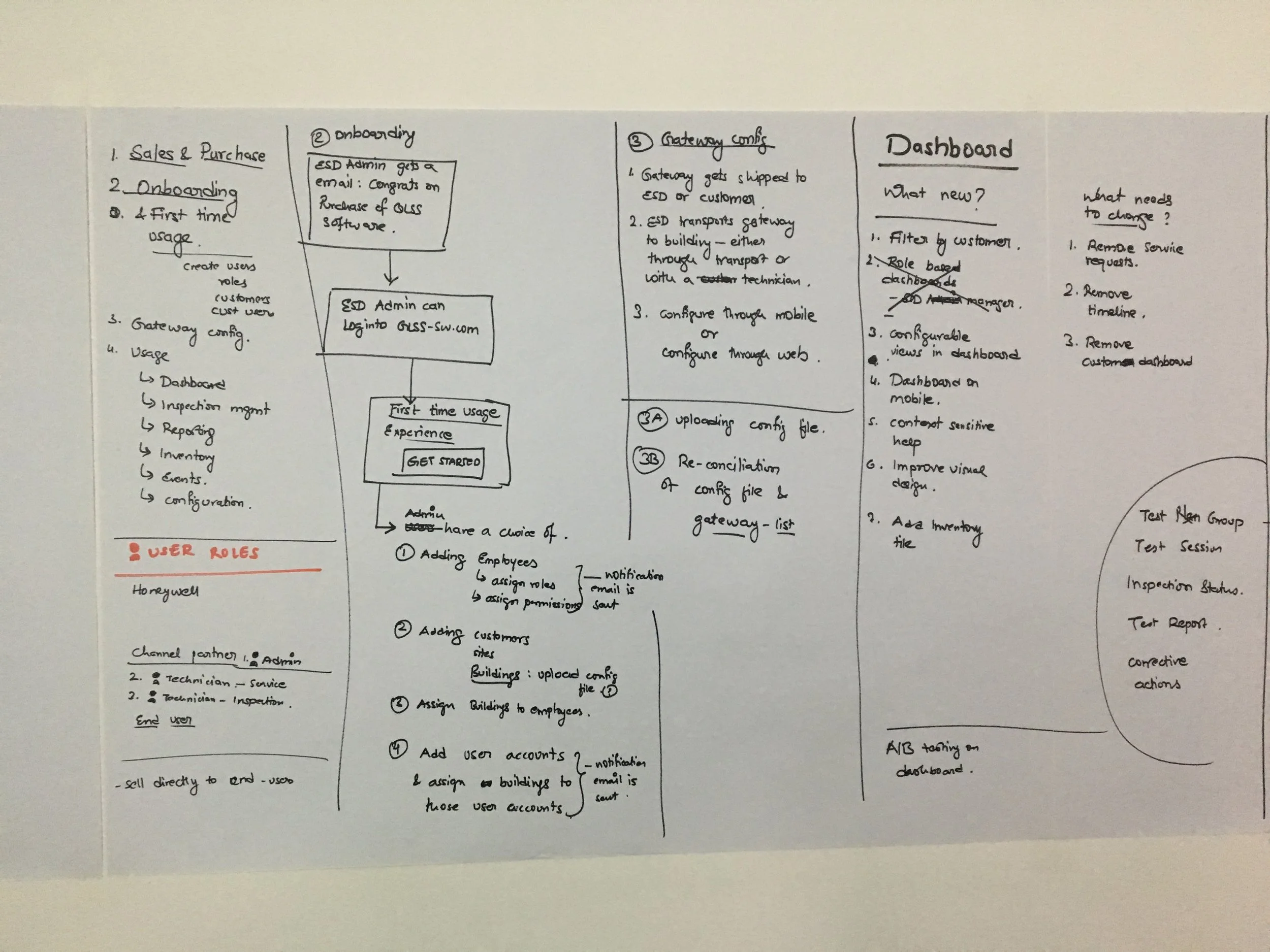
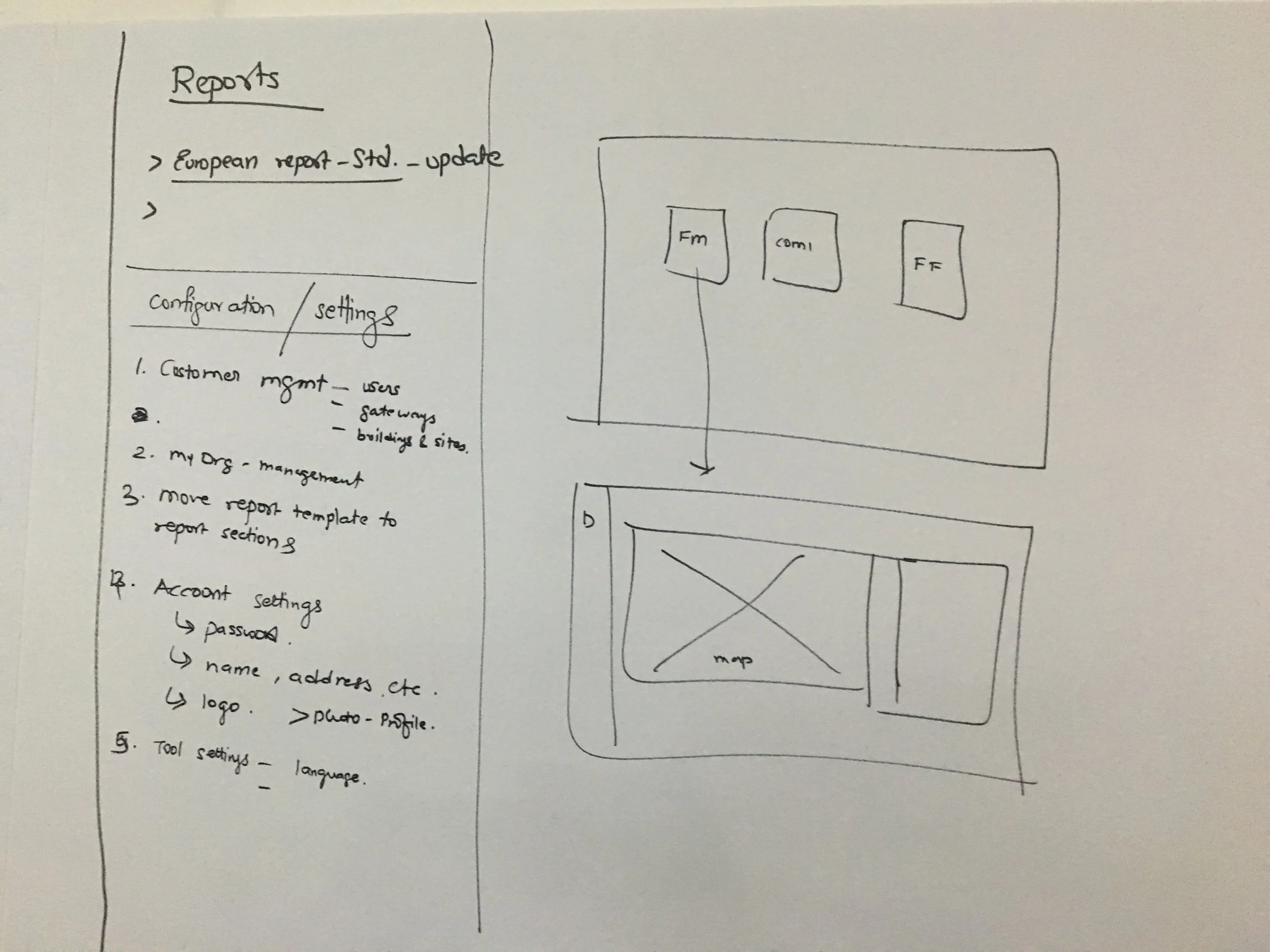
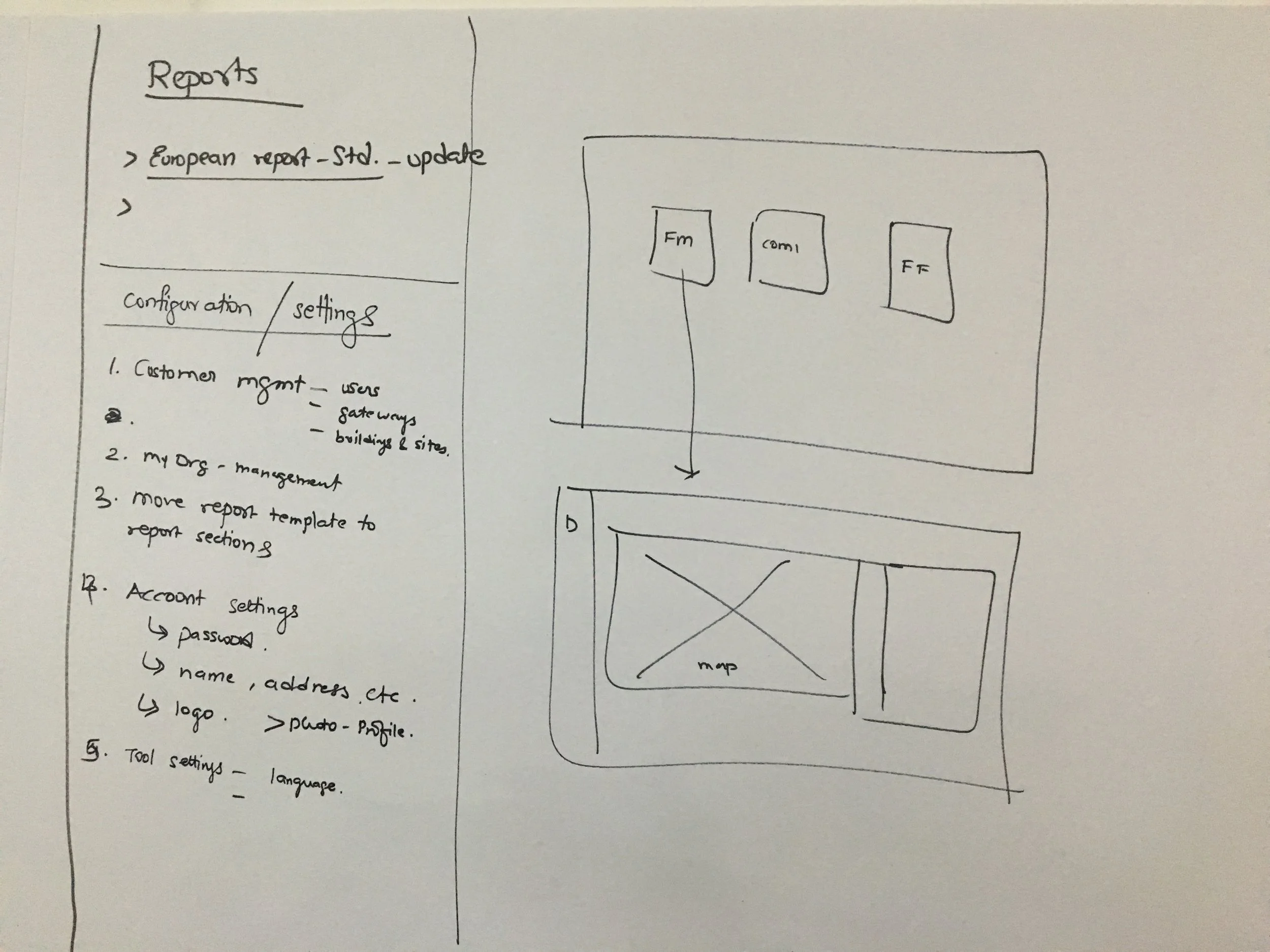
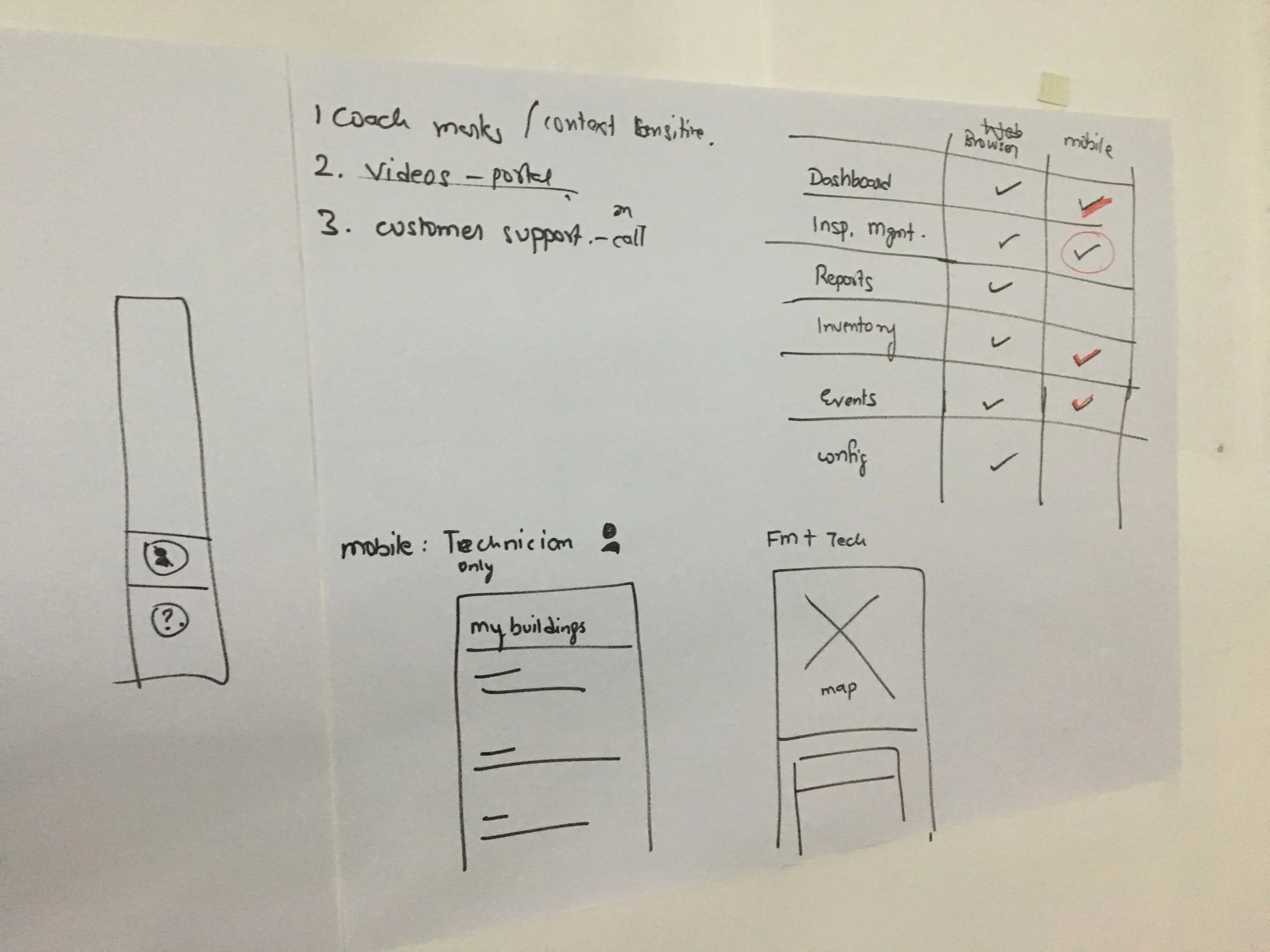
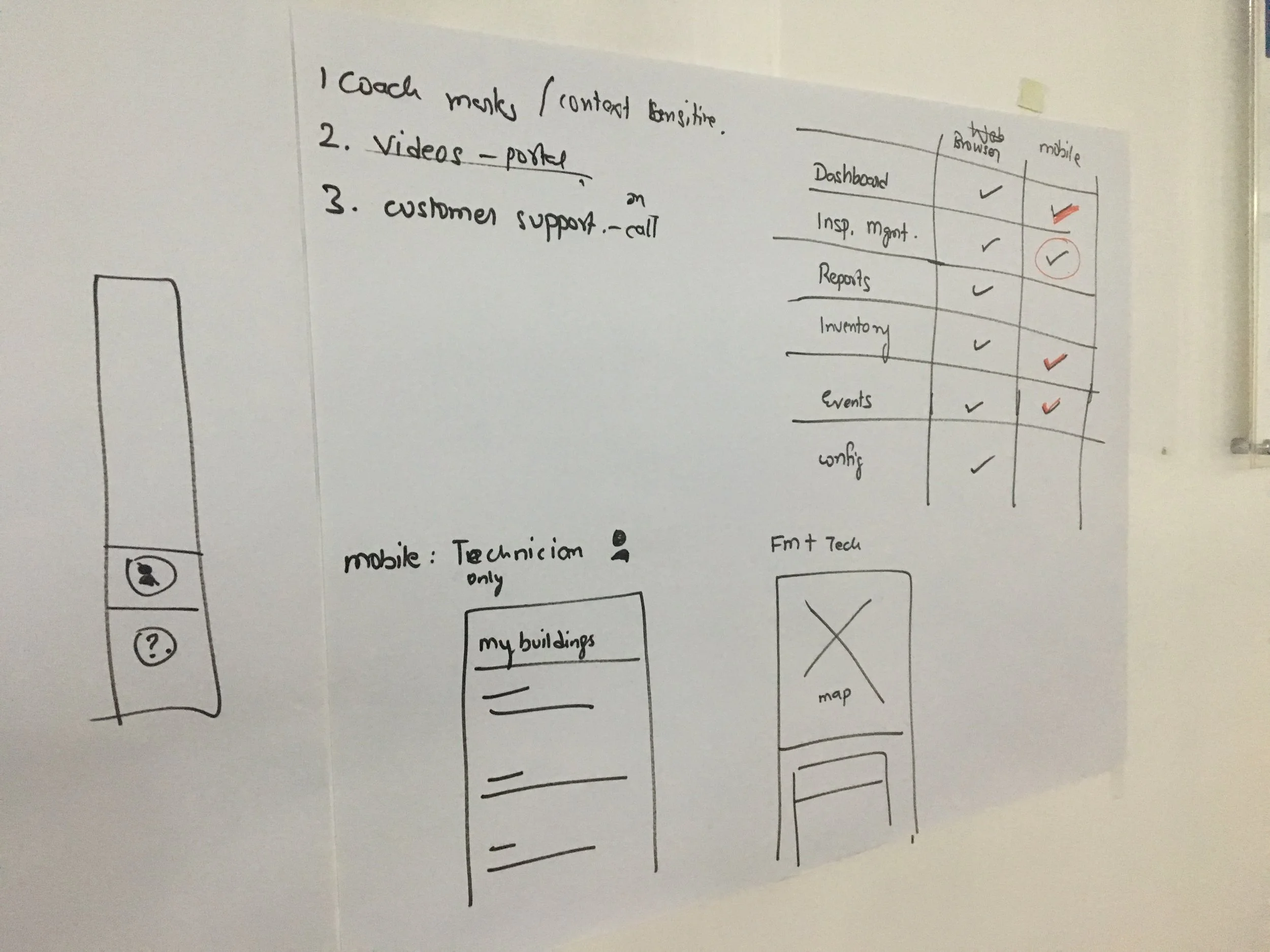
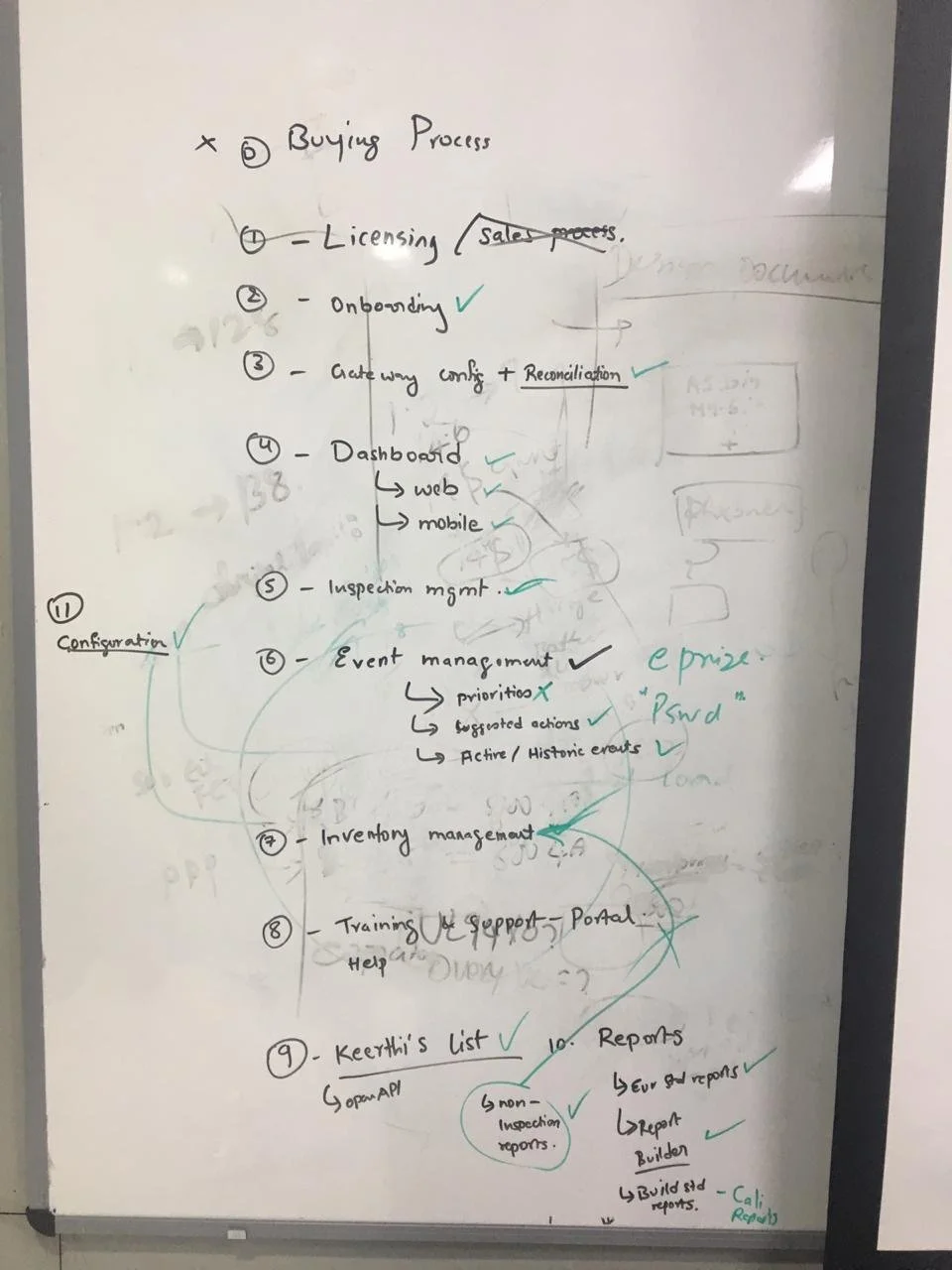
As we started getting clear understandings about the requirements we started prioritising features and user requirements. This activity helped us further when we started working on information architecture. Screen by screen we mapped all features and dependencies from other supporting sources. For example if we have to design the screen for Dashboard than from user’s perspective what all information is relevant to showcase and from what all sources these informations are coming. We did multiple rounds of iterations with PO’s until we had clear understandings and conclusive outcomes which is full-filing customer's need. Check below few of our feature mapping stickies.
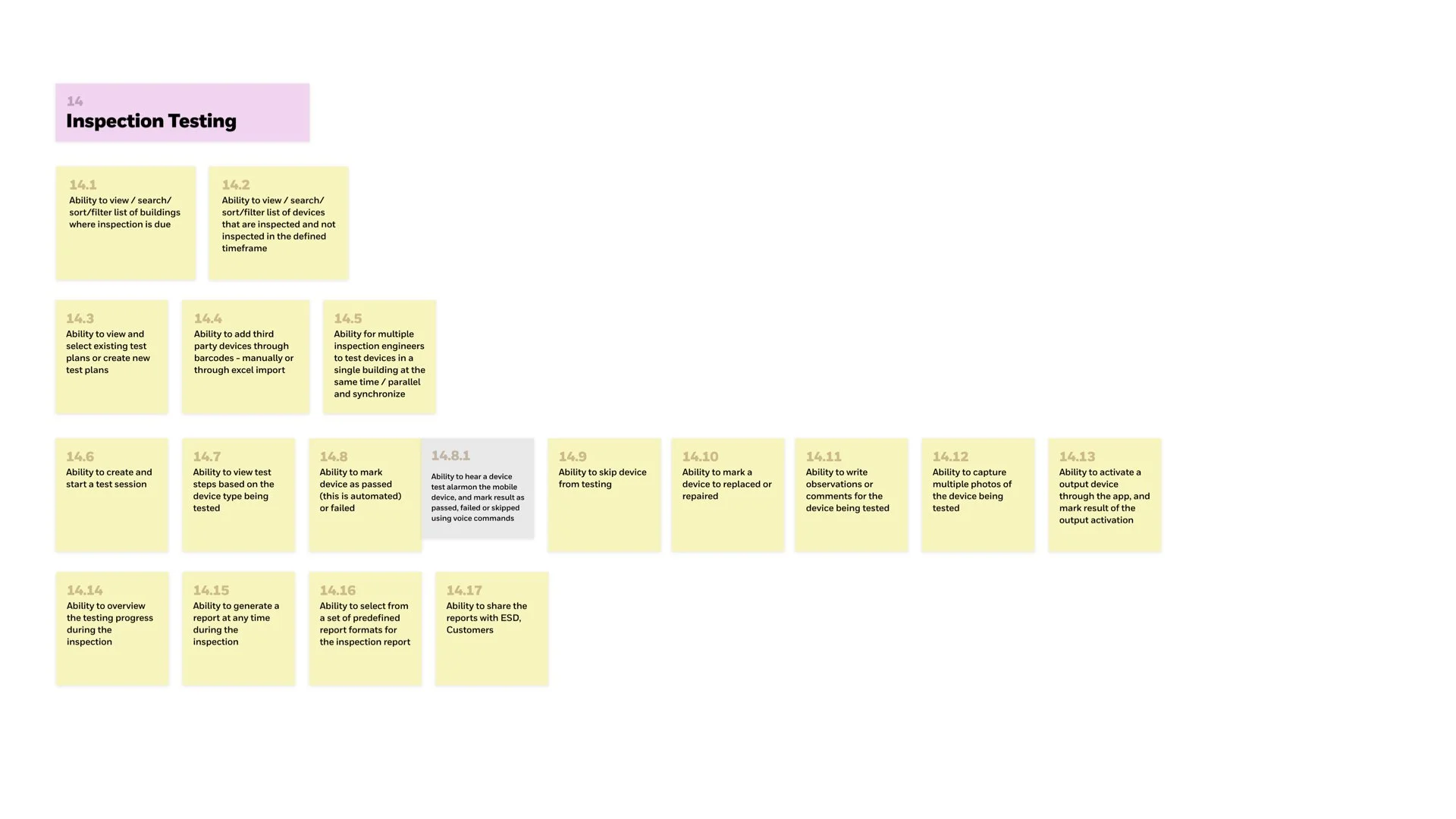
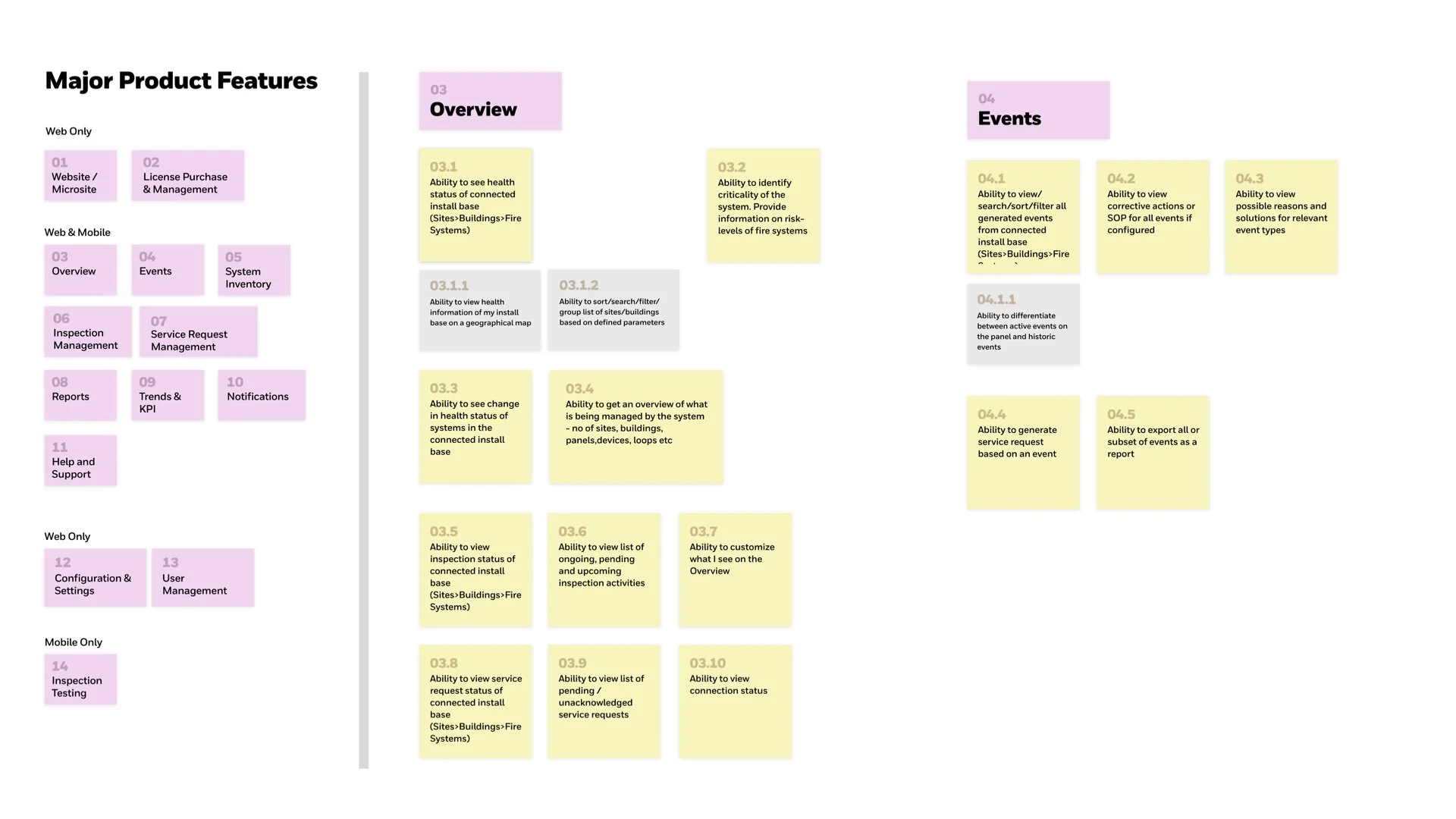
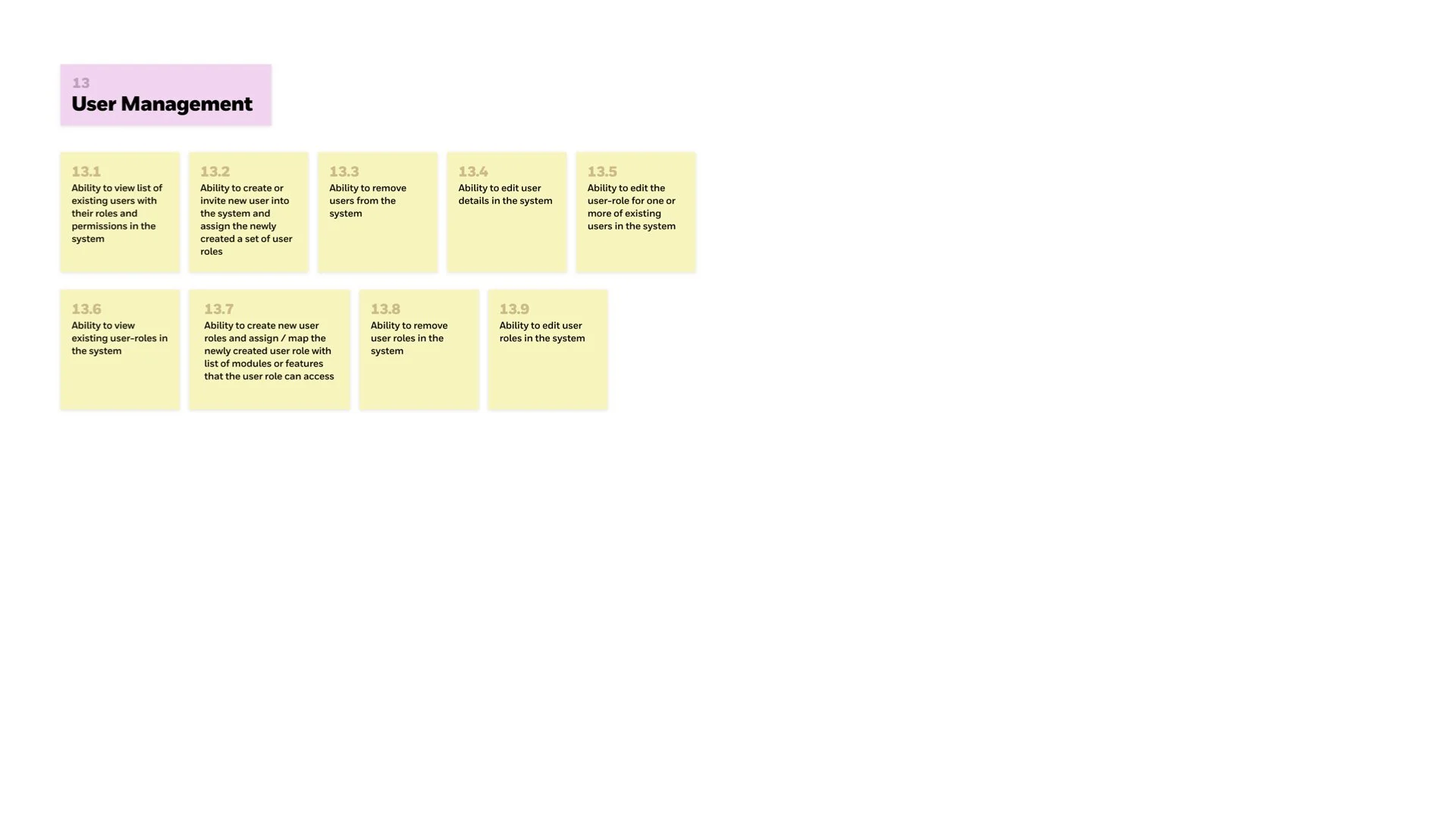
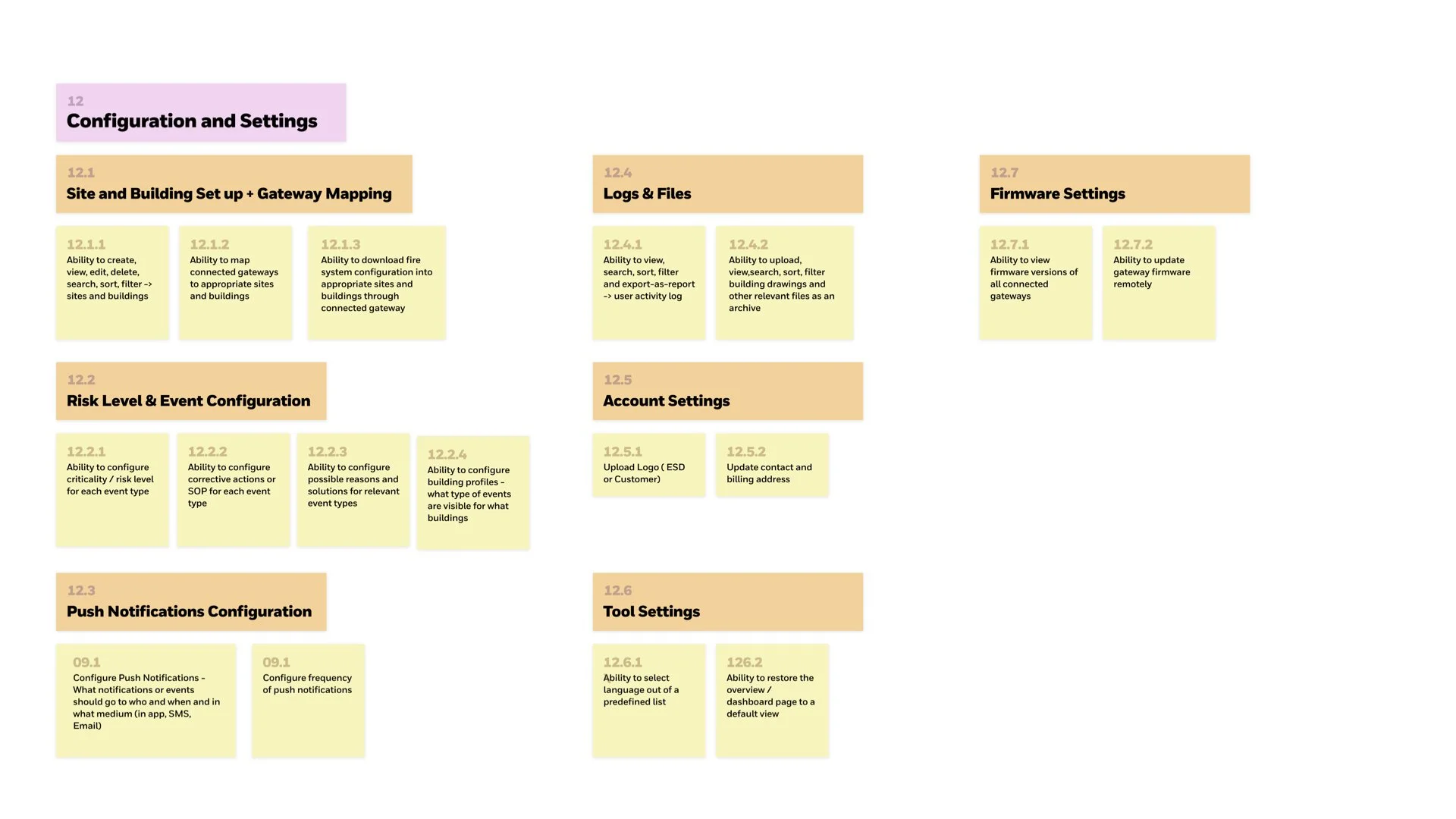
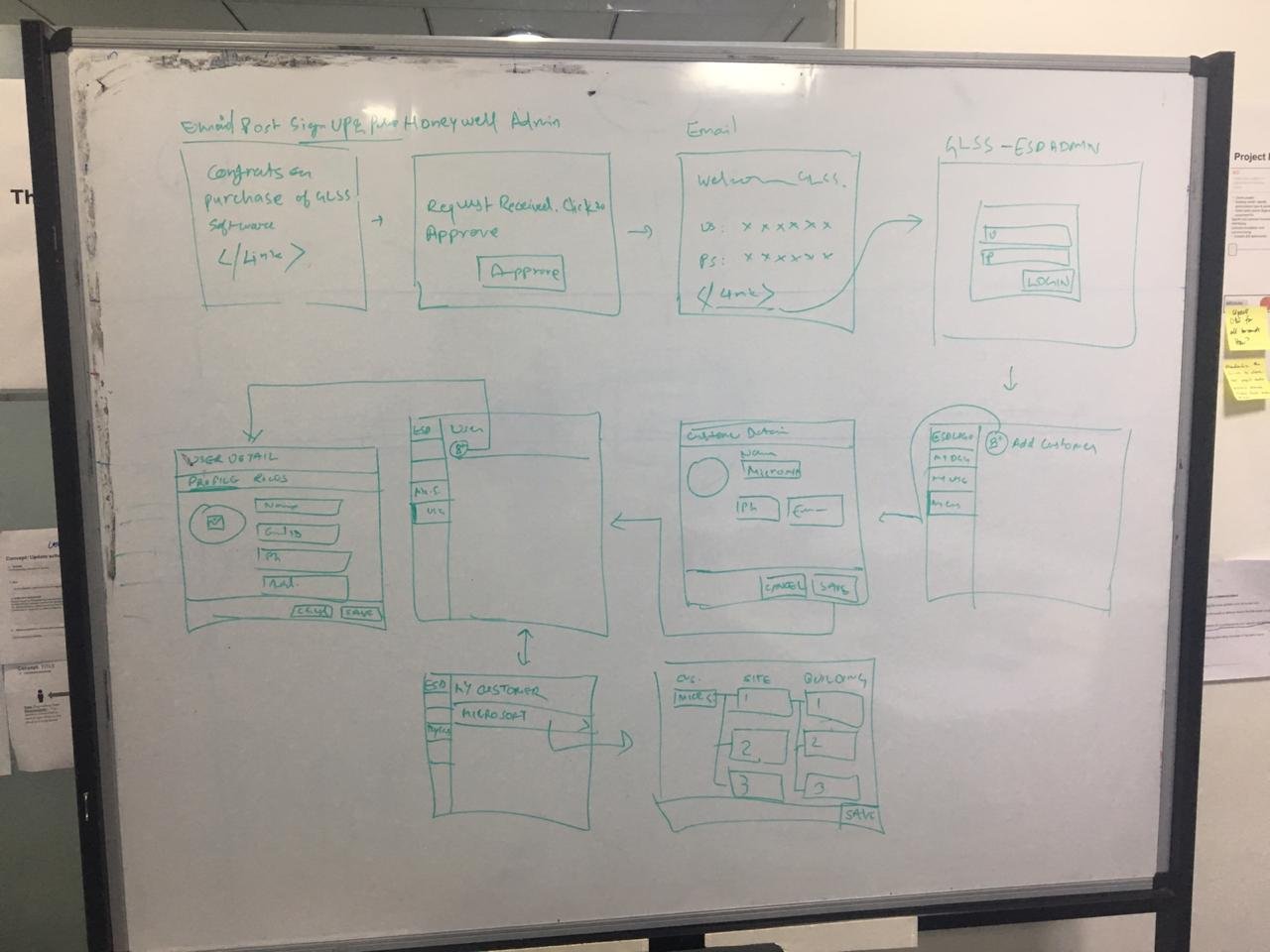
Our brainstorming sessions
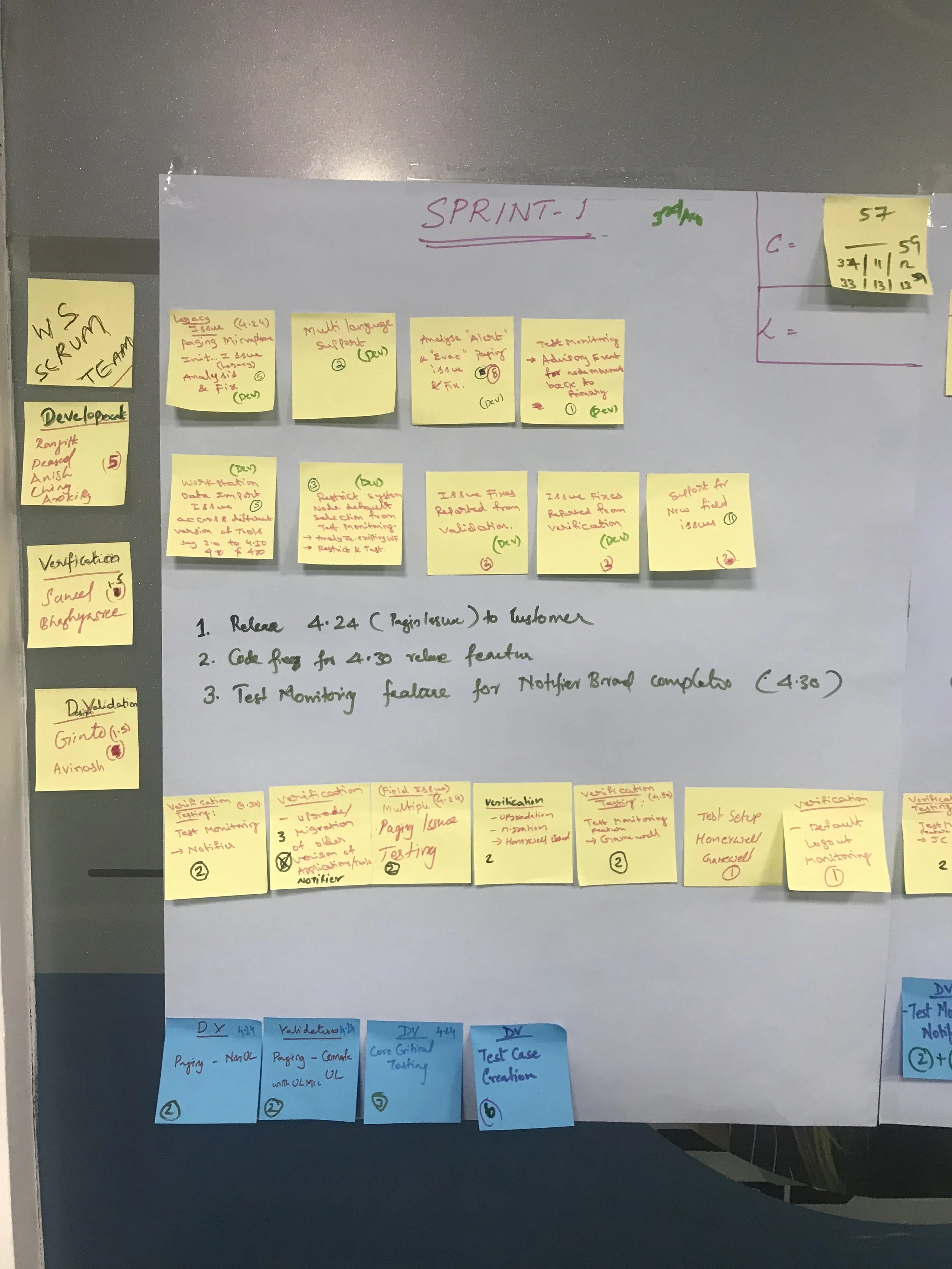
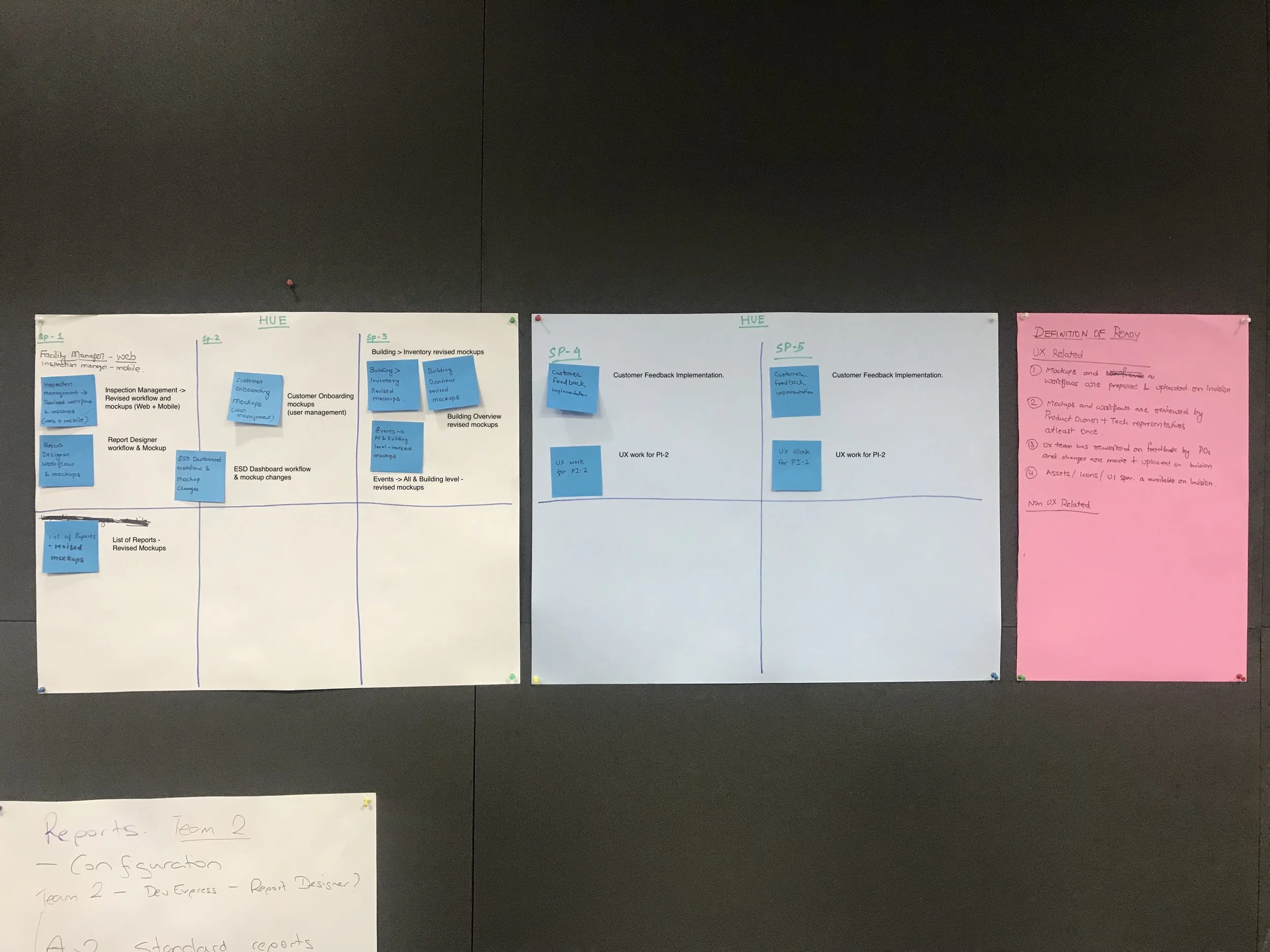
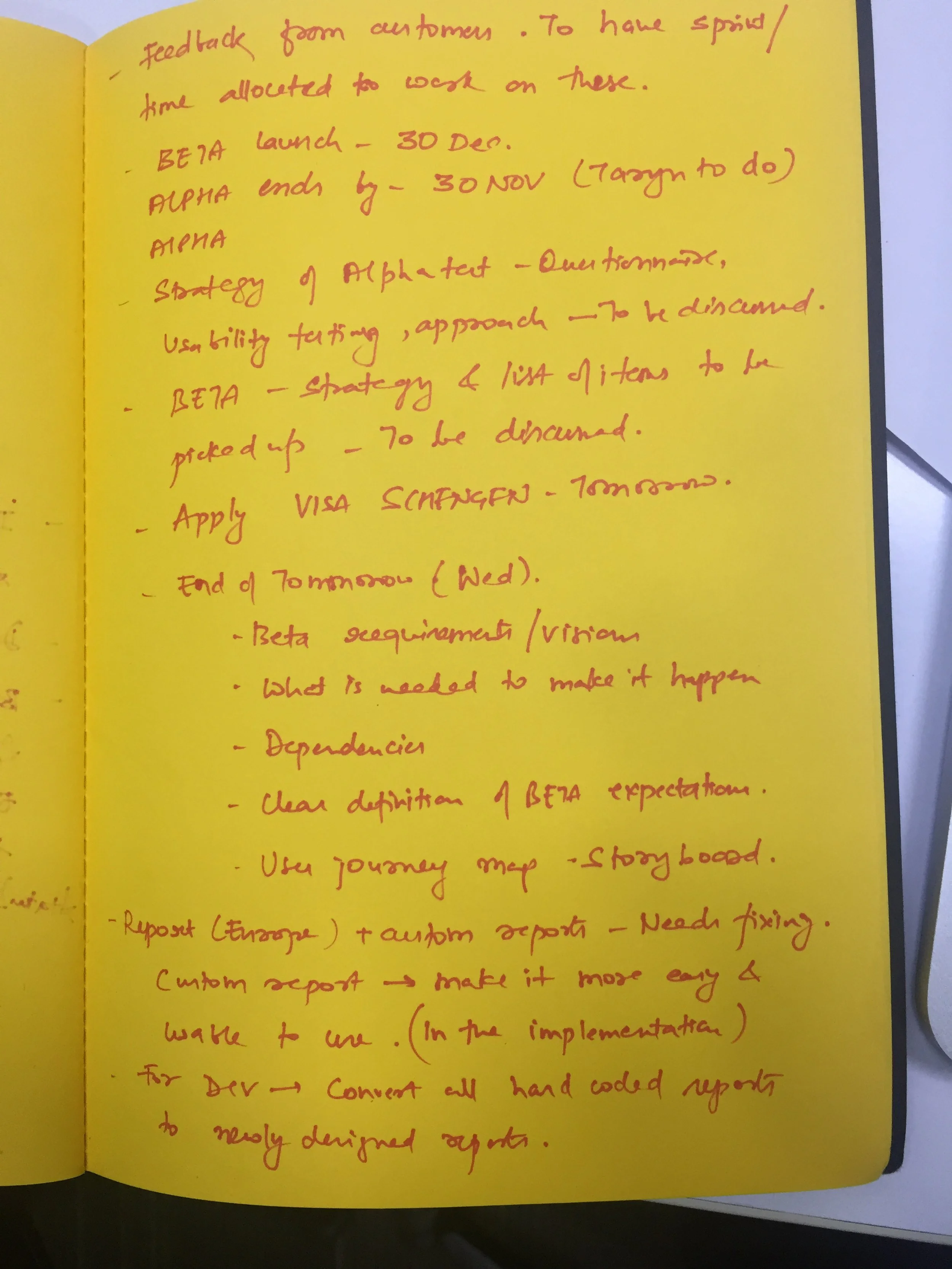
Have a look some of our brainstorming session photos and notes below :
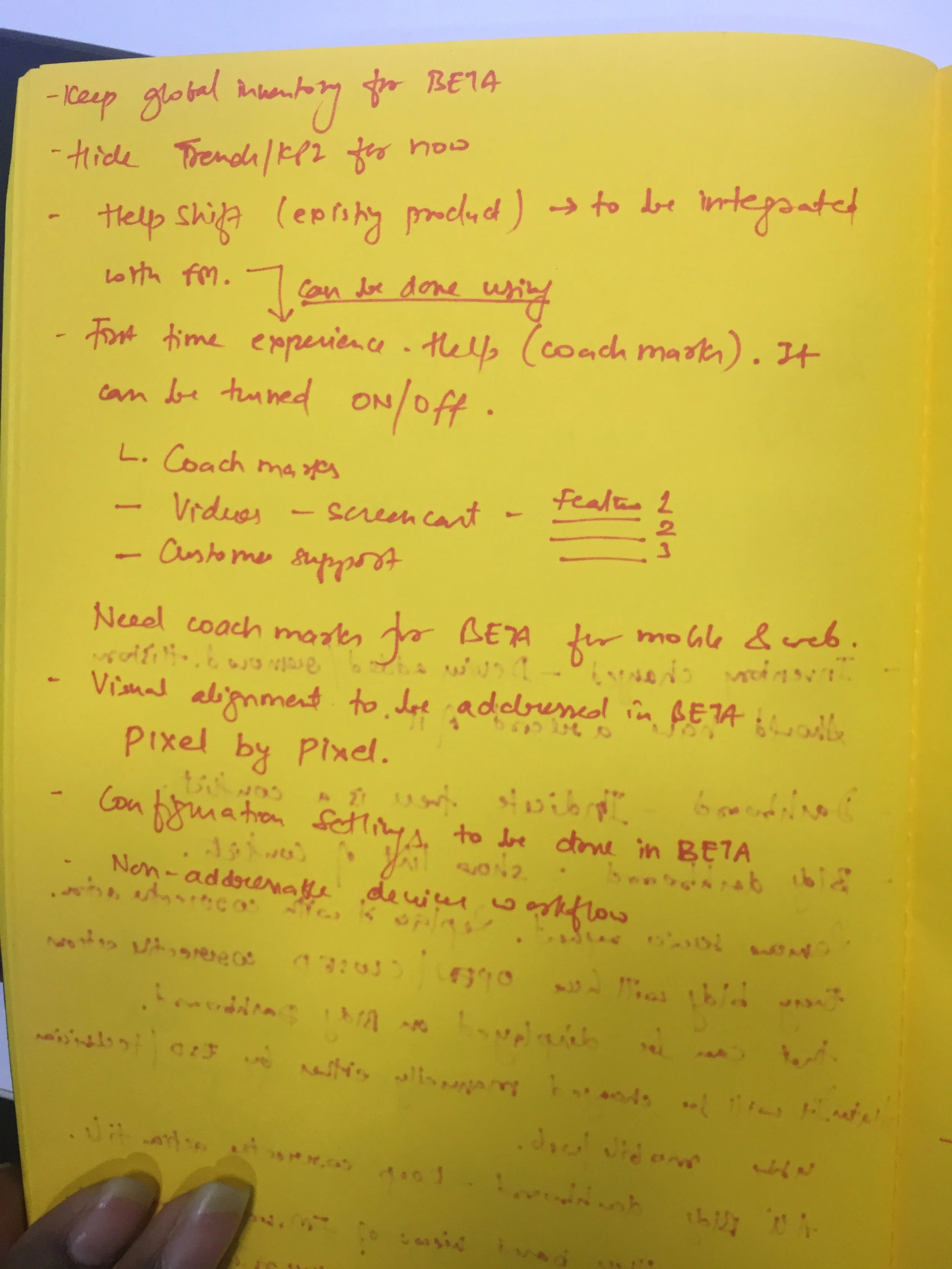
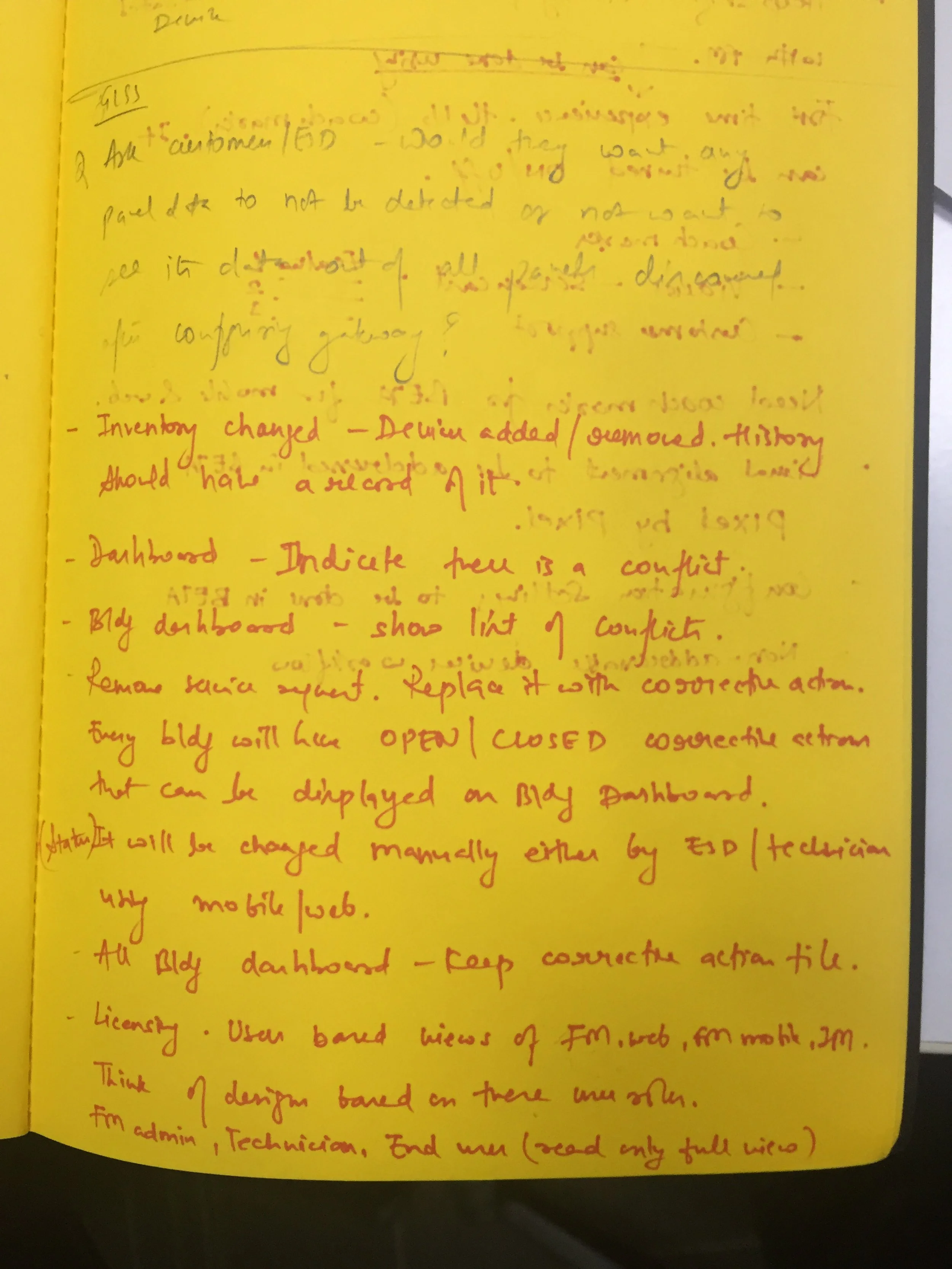
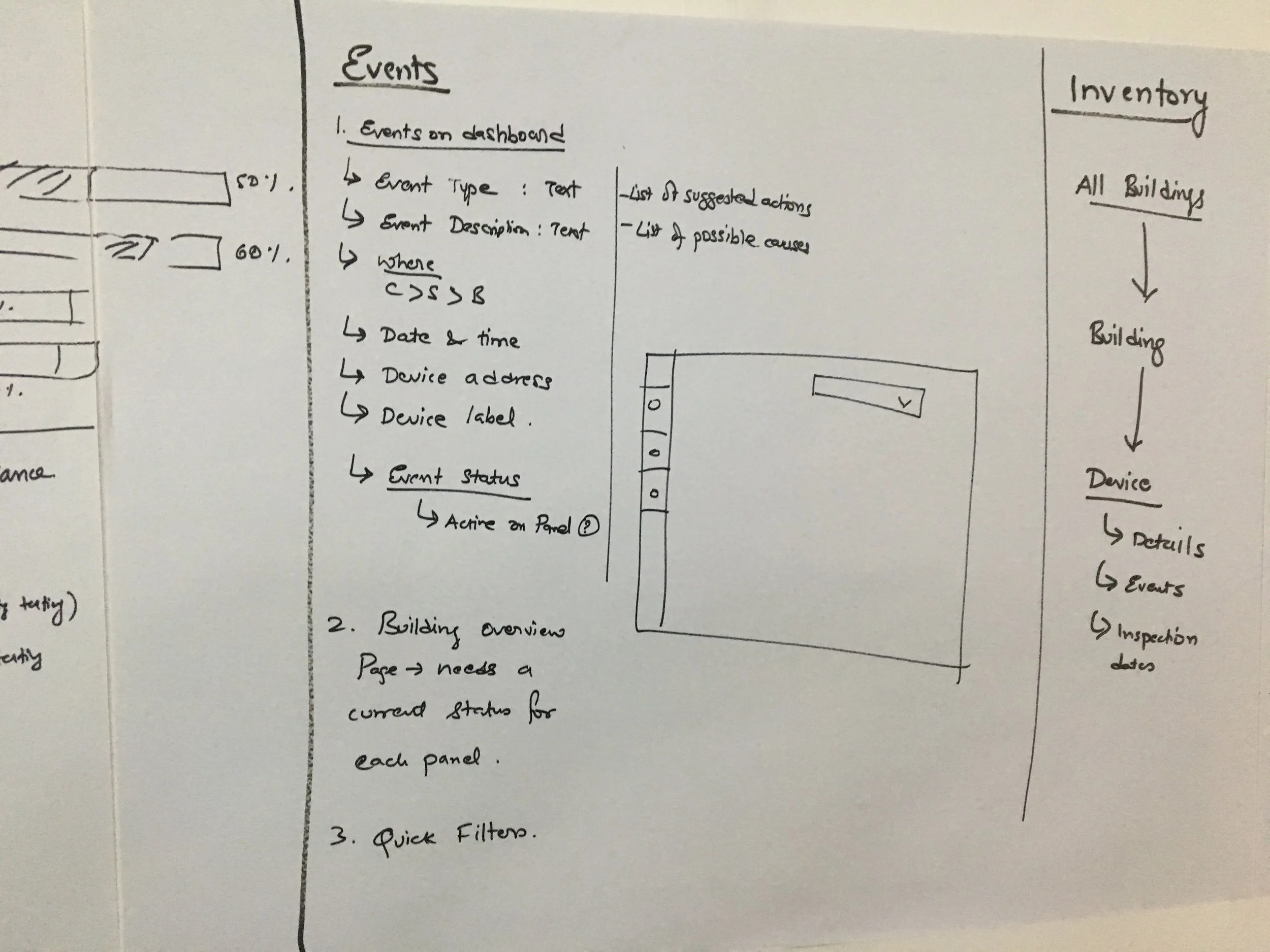
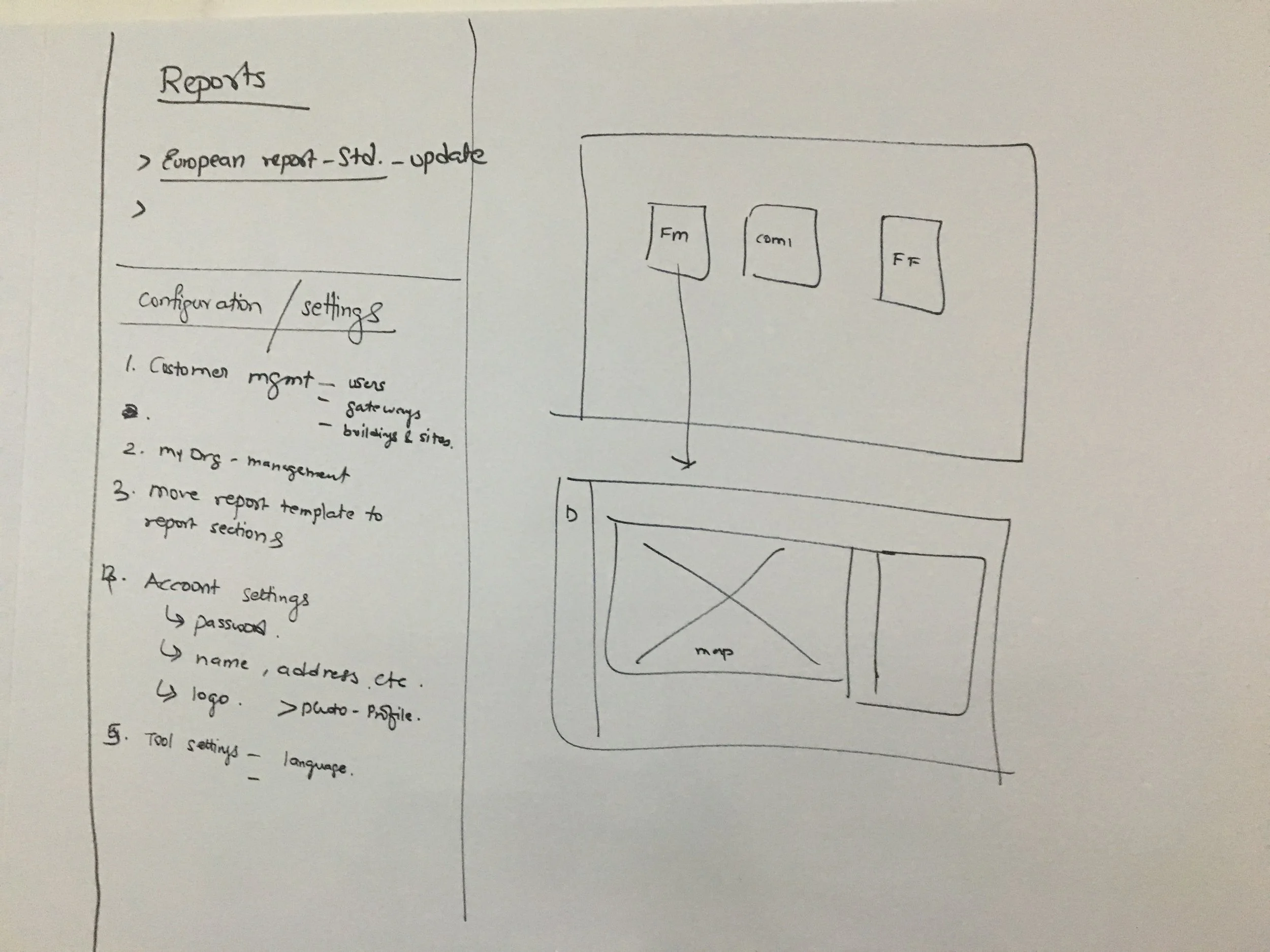
Workflow Diagrams
As we had clear requirements and post Co-create session we were having clear understanding of the workflow. We conducted Co-Create workshop in which we all team members including developers, PO and customers were involved and which resulted us clear picture of the requirements. Once we got the clarity we finalised on to the information architecture which helped developers as well to start working on to the architectural requirements and planning from dev’s perspective.
Once we finalised on the workflows, information architecture and wireframes we created multiple iterations on visual design.
We validated our designs
By creating workflow videos we presented our design to our stakeholders and validated the designs and asked for the feedback. We received quite a good feedback which we incorporated in followup sprints.
Feedbacks
ESD - Manager :
"After the inspection, we have to get customers sign on the report. But it takes time to generate report. Your solution will be fast, we wont spend time creating/generating reports."
End User:
"Your software dashboard, cards give us what we expect Nimbus to do."
ESD Manager:
“Reporting what you have shown will be brilliant to have.”
Would like to see timeline for particular building/customers
Custom reports will be helpful with customer logo.
Custom dashboard to have options for choosing only key customers/ buildings.
Dashboard live events can be filtered to show only the critical ones.
Inform the tested device % in inspection. It will help in resource allocation.
Device history to include replacement history.
Test plan to be available for reusing periodically. Want to see device by replacement age, warranty age.
Software to notify of the changes done in the system/diagram/loop.
System must show life expectancy of device.
Want to be able to filter devices by zones
Inspection photos to be date time stamped.
Last skipped devices to get automatically added in the next test plan
New devices need to be flagged up for inclusion in a test plan
During inspection, technicians would like to be able to capture photos and number values of certain devices.
Device related history values can also be made available in test plan.
Would like to select multiple panel devices to create a test plan along with option to choose device types also.
Would like to inform end users of any critical aspect of testing during the inspection. It should mail/notify him.
Notification from sites should be via email
Would like to see access management for users. What alerts do different users get. Subscription to events (live, email, app)
Feedback on user interface
Obtaining real time information from sites. Being able to carry out test plans for specific devices.
Raising a service request. Real time info of the status of their systems.
App listing devices to be tested.
Graphical location of sites.
Service planning tools, history tool.
Setup of test schedule and verification of test with address nodes.
Appreciated features
Advanced features and improvements asked
Mobile version/gateway to do multiple sites that the engineer carries with him.
Enable connection to other systems. To include multiple protocols. System must be compatible with other manufacturers.
Costing options to be more flexible.
We collected feedback from customer through various medium. Above screenshot is feedback received from customer through invision prototype.
There were more than 700+ screens for both web and mobile apps.
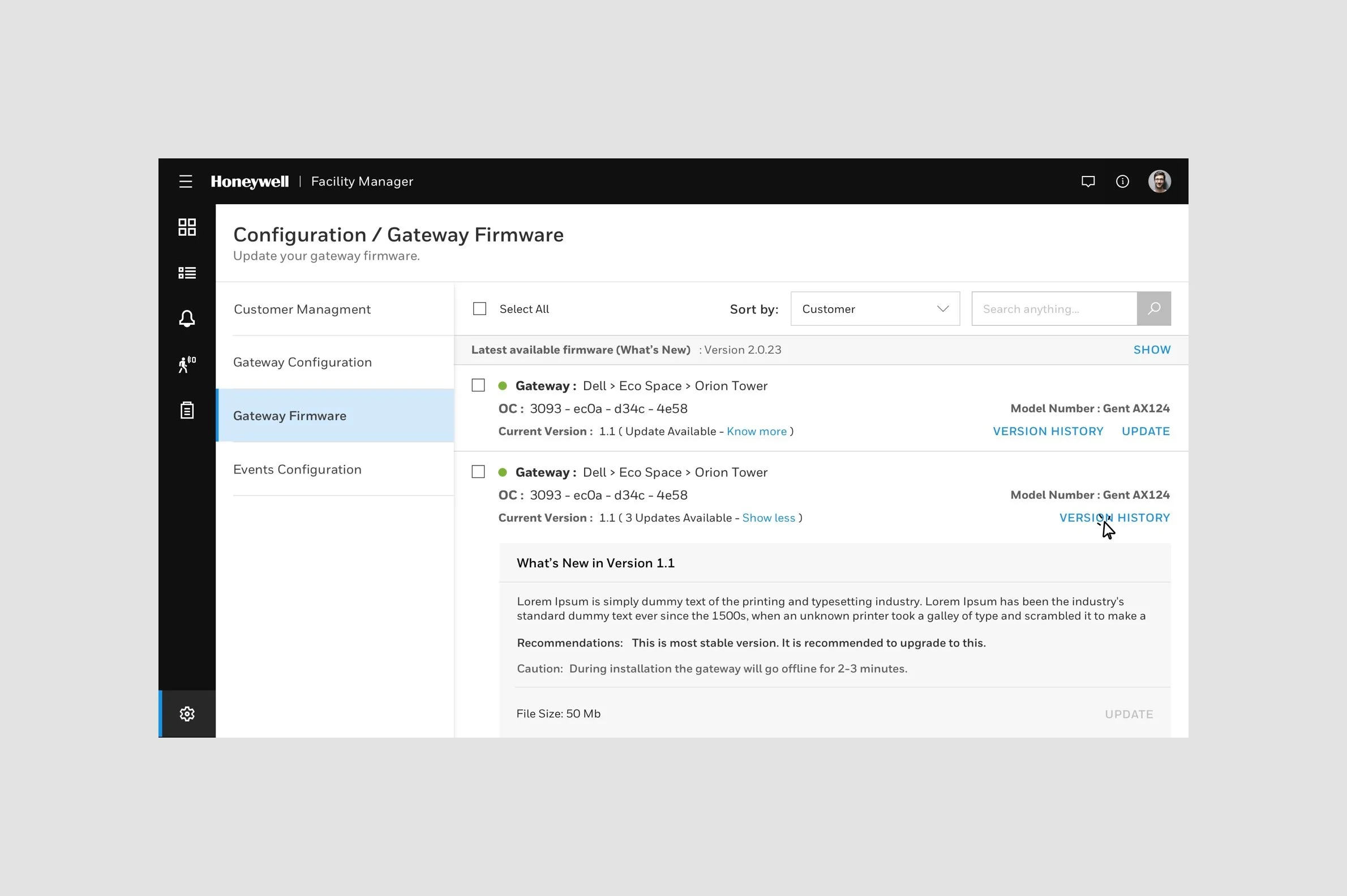
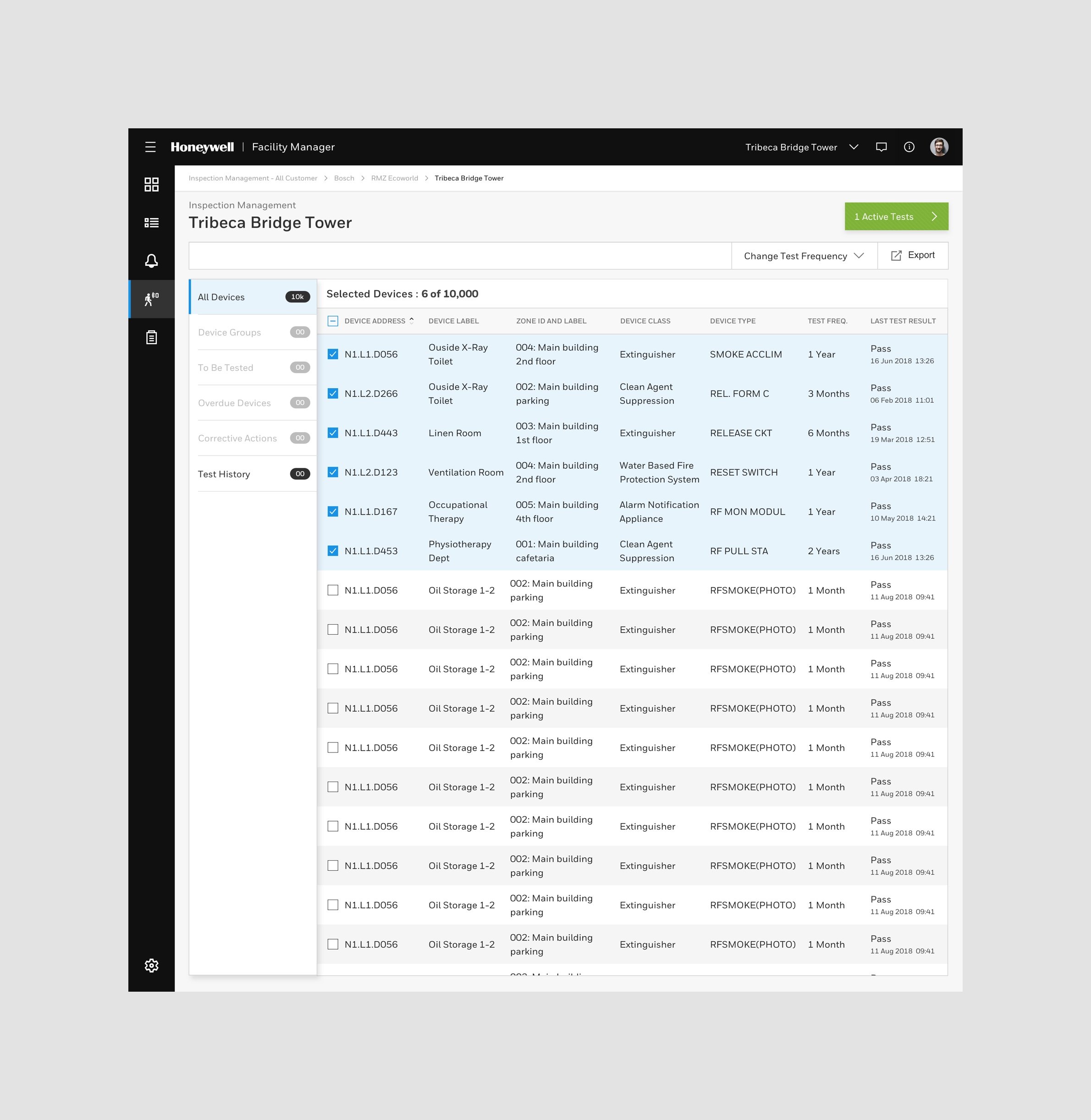
Adding few screens below
P R O J E C T T I M E L I N E : 1 0 M O N T H S